If you need to install the XPS viewer on Windows Server 2008R2 just follow these directions.
-
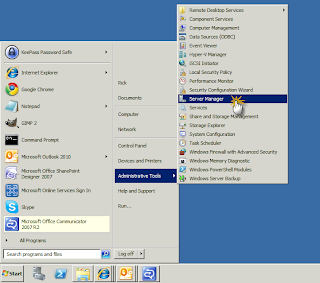
Open the Server Manager for the computer.
-
Click on Add features.

- Scroll down to the XPS Viewer selection and click the check box.

- Click the Install button.

- After the installation has completed click the Close button.
