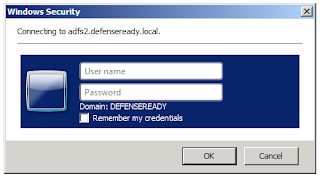
After installing ADFS 2.0 for SharePoint a Windows login prompt was shown when the SharePoint site forwarded to the ADFS server instead of the ADFS Forms Authentication login screen.
No matter what account I tried to use here I would eventually receive a 401 Not Auhorized error.

The reason for this is that the ADFS website tries to use Windows Authentication before trying to use the Forms authentication which displays the loging page below.
| Forms Login Screen for ADFS 2.0 |
To fix this do the following on the ADFS server:
- Open IIS and Explore under Default Website\adfs\ls

- Open the web.config file with Notepad, look for the localAuthenticationTypes section.

- Move the line for Forms above the line for Integrated and save the web.config file. This will force the ADFS application to use the Login Page authentication before trying to use Windows Authentication.
