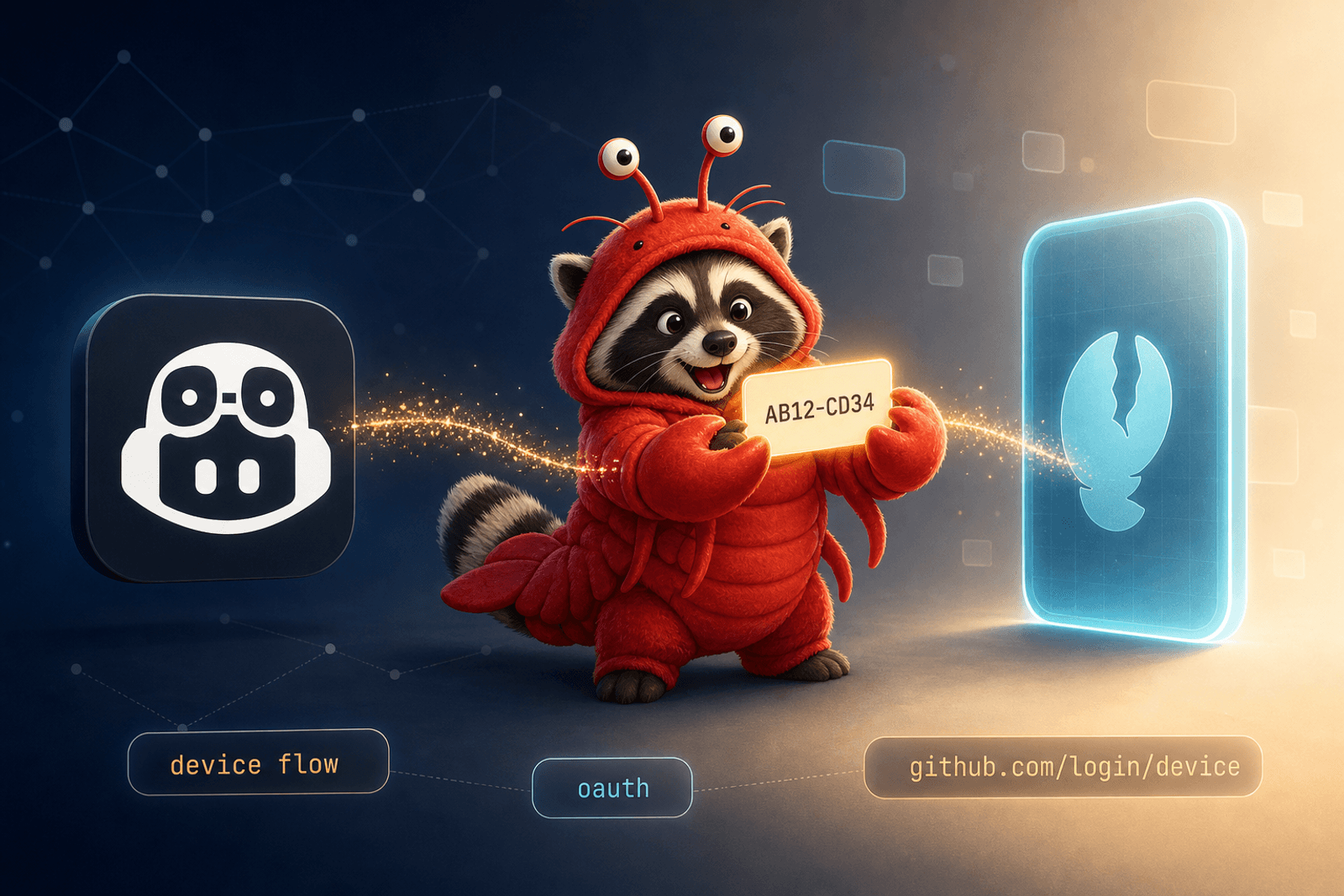
If you already pay for GitHub Copilot, you can point OpenClaw at it and reach Claude (Opus/Sonnet/Haiku), GPT-5, and Gemini Pro through one auth, on one bill, with one device-flow login. No per-provider API keys, no four billing portals.
Here’s the whole setup, including the exact terminal commands.
⚠️ Heads up: Copilot billing is changing on June 1, 2026. GitHub is moving Copilot from premium-request units (PRUs) to GitHub AI Credits (token-based, announcement). Plan base prices are unchanged — each plan includes credits equal to its monthly cost (Pro $10 → $10 in credits) — but heavy use will burn through them faster than under the old PRU model. The biggest gotcha for OpenClaw users: GitHub’s own auto-fallback to cheaper models is going away. OpenClaw’s fallback ladder (below) still works for rate-limit failover but won’t save you from running out of credits. See the “After June 1, 2026” section at the bottom for what changes for this workflow.
Why route through Copilot
- One bill, four model families — Copilot’s plan ladder includes Claude, GPT-5, and Gemini. If you already pay for Copilot for VS Code, you’re paying for these models anyway.
- No per-provider key management — one OAuth profile instead of three.
- Built-in fallback — OpenClaw fails over Opus → Sonnet → GPT-5 → Gemini automatically when a model is rate-limited. Sessions don’t die mid-turn.
The catch: Copilot’s per-model rate limits are stingier than direct API access, and which models you can hit depends on your plan tier. For a personal household assistant — calendars, reminders, occasional coding help — it’s more than enough.
Prerequisites
- An active GitHub Copilot subscription (Individual, Business, or Enterprise)
- OpenClaw installed and running (install docs)
- A real interactive terminal — the device-flow login won’t work over
ssh -T, in CI, or piped throughnohup. Inside Docker:docker exec -it <container> ….
Step 1 — Run the login
openclaw models auth login-github-copilot --set-defaultOutput looks like:
First, copy your one-time code:

    AB12-CD34

Then visit:

    https://github.com/login/device

Waiting for authorization...
Leave the terminal open — it’s polling GitHub’s device-code endpoint waiting for you. --set-default also makes Copilot your default provider in one step; add --yes to skip the confirm prompt.
Step 2 — Approve in the browser
Open https://github.com/login/device signed in as the GitHub account that owns your Copilot subscription:
Paste the code, hit Continue, then authorize the OpenClaw OAuth app. Scopes are minimal (just what’s needed to discover and call Copilot models — no repo access). You can revoke any time at github.com/settings/applications.
The terminal flips to:
✓ Authorization complete
✓ Stored auth profile: github-copilot:github
The token is stored under ~/.openclaw/auth/ and survives container restarts as long as that directory is on a persistent volume.
Step 3 — Pick a model (and a fallback ladder)
If you skipped --set-default, set one now:
openclaw models set github-copilot/claude-opus-4.7Common refs (availability depends on plan):
| Model ref | Family | Good for |
|---|---|---|
github-copilot/claude-opus-4.7 | Claude Opus | Long-context reasoning, multi-step tool use |
github-copilot/claude-sonnet-4.6 | Claude Sonnet | Fast everyday tasks |
github-copilot/gpt-5.4 | GPT-5 | Strong general reasoning, code |
github-copilot/gemini-3.1-pro | Gemini | Long context, multimodal |
Then add a fallback ladder to ~/.openclaw/openclaw.json so a single model going down doesn’t kill your session:
{
  agents: {
    defaults: {
      model: {
        primary:  "github-copilot/claude-opus-4.7",
        fallbacks: [
          "github-copilot/claude-sonnet-4.6",
          "github-copilot/gpt-5.4",
          "github-copilot/gemini-3.1-pro",
        ],
      },
    },
  },
}
Verify with openclaw status — you should see model=github-copilot/... in the runtime line.
Troubleshooting
-
“Interactive TTY required” — you ran the login over a non-interactive shell. Use a real terminal; in Docker use
docker exec -it. -
“Model not available for your plan” — try a smaller/different model from the table. Plan tier gates availability.
-
“Authorization expired” — re-run
openclaw models auth login-github-copilot. Takes about 15 seconds. -
Headless setup — if you have a Copilot OAuth token already, import non-interactively:
openclaw onboard --non-interactive --accept-risk \
  --auth-choice github-copilot \
  --github-copilot-token "$COPILOT_GITHUB_TOKEN" \
  --skip-channels --skip-health
Env var priority:
COPILOT_GITHUB_TOKEN→GH_TOKEN→GITHUB_TOKEN. The device-login path always wins over env vars.
What this doesn’t do
- Doesn’t unlock unlimited use — Copilot’s per-model rate limits still apply (and after June 1, 2026, your monthly AI Credit allotment caps total token spend).
- Doesn’t expose every raw provider feature (extended thinking budgets, response continuation, etc.). OpenClaw picks the right transport automatically (Anthropic Messages for Claude, OpenAI Responses for GPT/Gemini).
- Doesn’t replace VS Code Copilot — they coexist on independent token stores.
After June 1, 2026
When usage-based billing kicks in, the setup steps in this post don’t change — same OAuth login, same model refs, same fallback ladder — but the economics shift:
- Every Copilot plan includes monthly AI Credits equal to its base price. Pro: $10 in credits. Pro+: $39. Business: $19/seat. Enterprise: $39/seat. Pooled across a business org. Code completions and Next Edit suggestions stay free and don’t burn credits.
- Tokens are billed at the underlying provider’s published API rates (Anthropic, OpenAI, Google). A long Opus 4.7 conversation through OpenClaw will cost the same as it would on the Anthropic API directly. Heavy multi-step agent runs eat credits fast — the same conversation that used to be “free under your Pro plan” may now blow through your monthly allotment in a session or two.
- GitHub’s auto-fallback to cheaper models is going away. Previously when you exhausted PRUs, Copilot would silently drop you to a cheaper model. After June 1, you’ll either need available credits or the call fails. OpenClaw’s fallback ladder is unaffected — it fails over for rate-limit errors, not credit exhaustion — but it won’t paper over an empty credit pool.
- Admins get budget controls at the enterprise, cost-center, and user level. Useful if you’re routing OpenClaw through a Business/Enterprise plan and want a hard ceiling.
- Annual Pro/Pro+ subscribers keep PRU-style pricing until their plan expires (with bumped multipliers starting June 1). Monthly Pro/Pro+ subscribers auto-migrate to credits.
Practical takeaway: point OpenClaw at the cheapest model in the table that does the job. For most personal-assistant tasks (calendar parsing, reminders, short summaries), github-copilot/claude-haiku-4.5 or github-copilot/claude-sonnet-4.6 will spend a fraction of the credits Opus does. Reserve github-copilot/claude-opus-4.7 for actual heavy lifting and let the fallback ladder demote you to cheaper models when Opus rate-limits. Keep an eye on your Billing Overview at github.com to track credit burn.
Wrap-up
Two commands, one browser visit:
openclaw models auth login-github-copilot --set-default
# ...visit github.com/login/device, paste code, approve...
openclaw status   # confirm github-copilot/...
Plus a fallback block in config. This is the lowest-friction way to get top-tier models into a self-hosted assistant without juggling four billing portals — same setup powering my household assistant on a Synology NAS, paired with the container networking fixes.