Power Apps
Harnessing Host Form Data with PCF Controls in Model-Driven Applications
This tutorial delves into integrating PowerApps Component Framework (PCF) controls with host form data within Microsoft Power Platform’s model-driven apps.
tag
This tutorial delves into integrating PowerApps Component Framework (PCF) controls with host form data within Microsoft Power Platform’s model-driven apps.
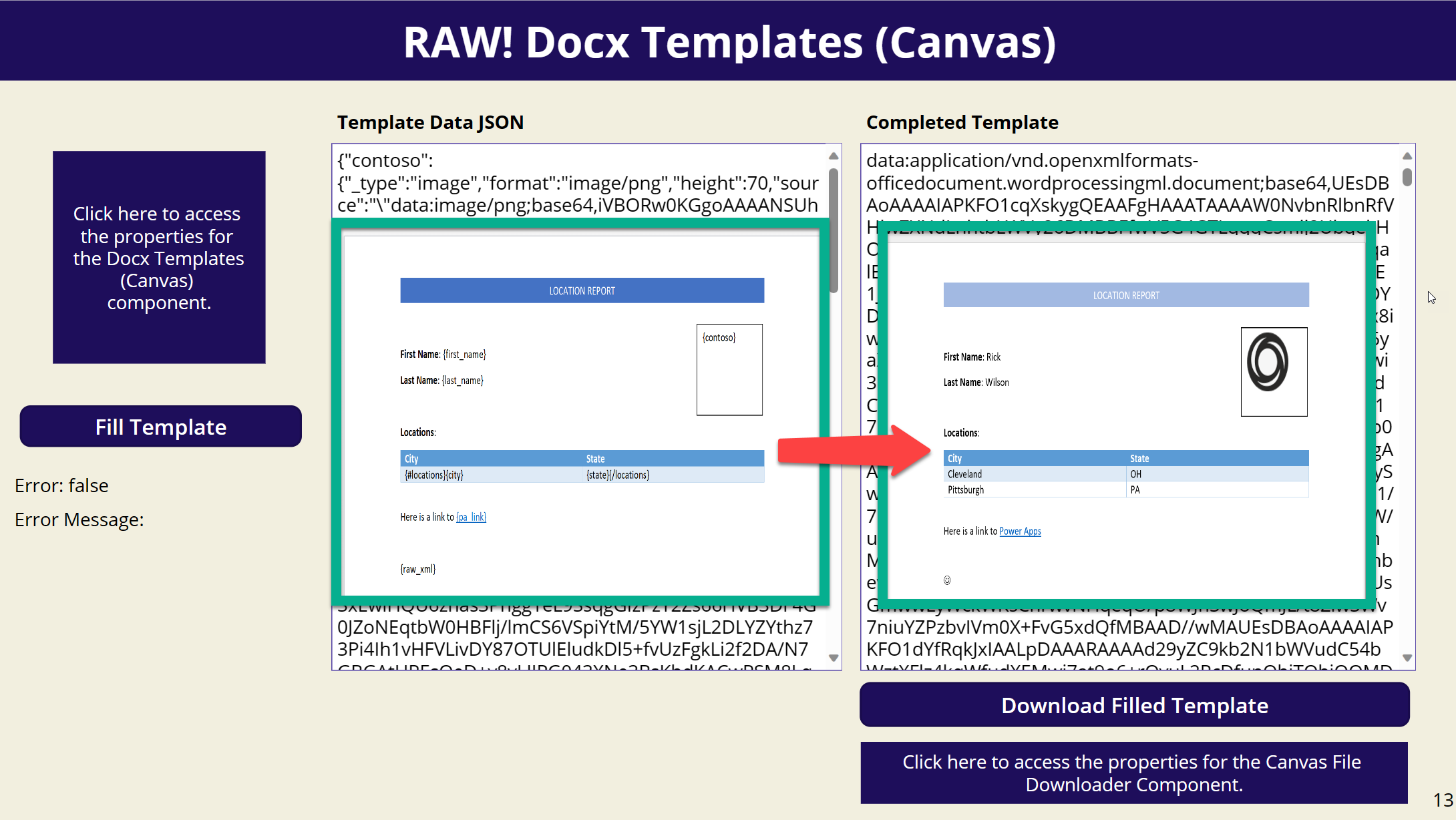
Have you ever wanted to fill in a Docx template within a Canvas App? Look no further! I’m excited to introduce a new PCF component that allows you to do just that.
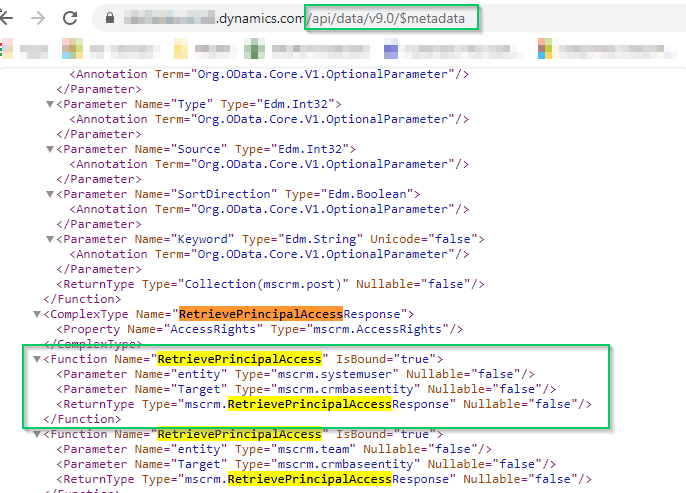
I am current building PCF component that required me to determine if the user has specific rights to an entity before attempting to modify it.
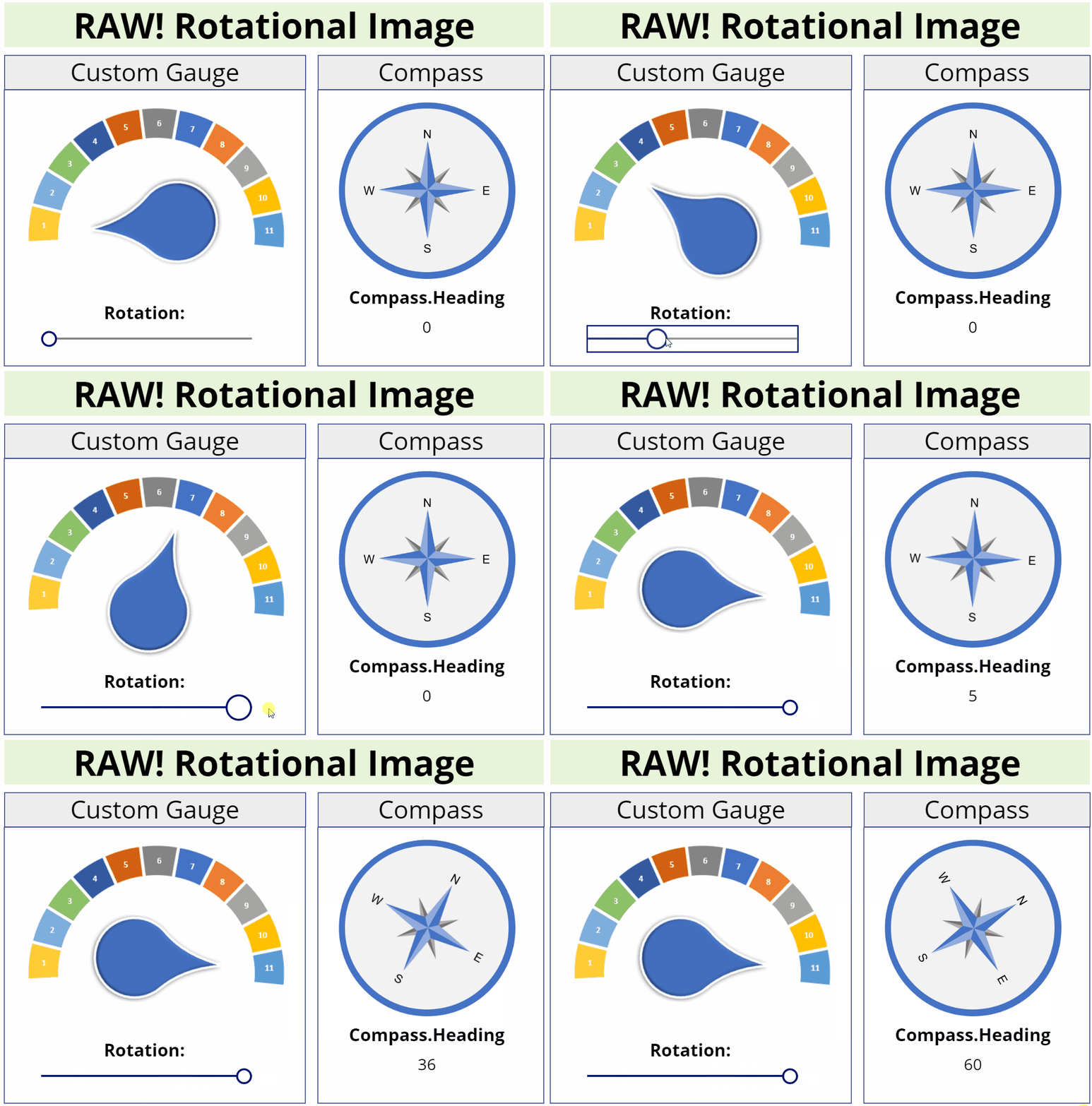
This image component allows you to rotate an image to any degree unlike the Canvas image component which only allows 90, 180, or 270 degrees.
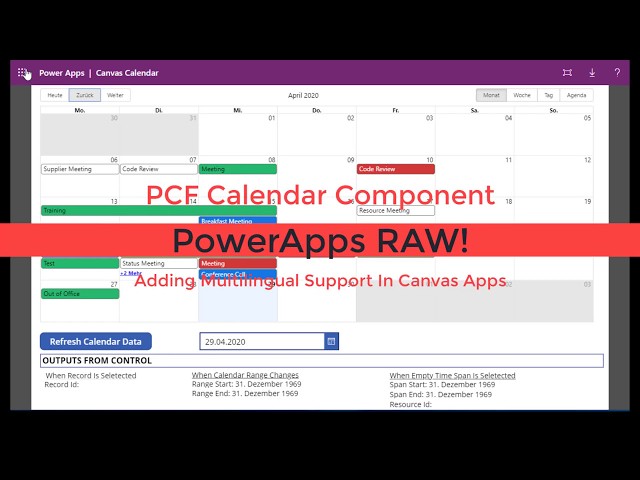
Multilingual support has been added to the Calendar component I recently shared. This works in both Canvas and Model apps.
PCF Code Components allow developers to create their own custom interfaces utilizing Typescript and/or React. To learn more about the PCF Component Framework check out this article.
This calendar control was built off of React Big Calendar. The calendar can be used to display events with or without related resources.
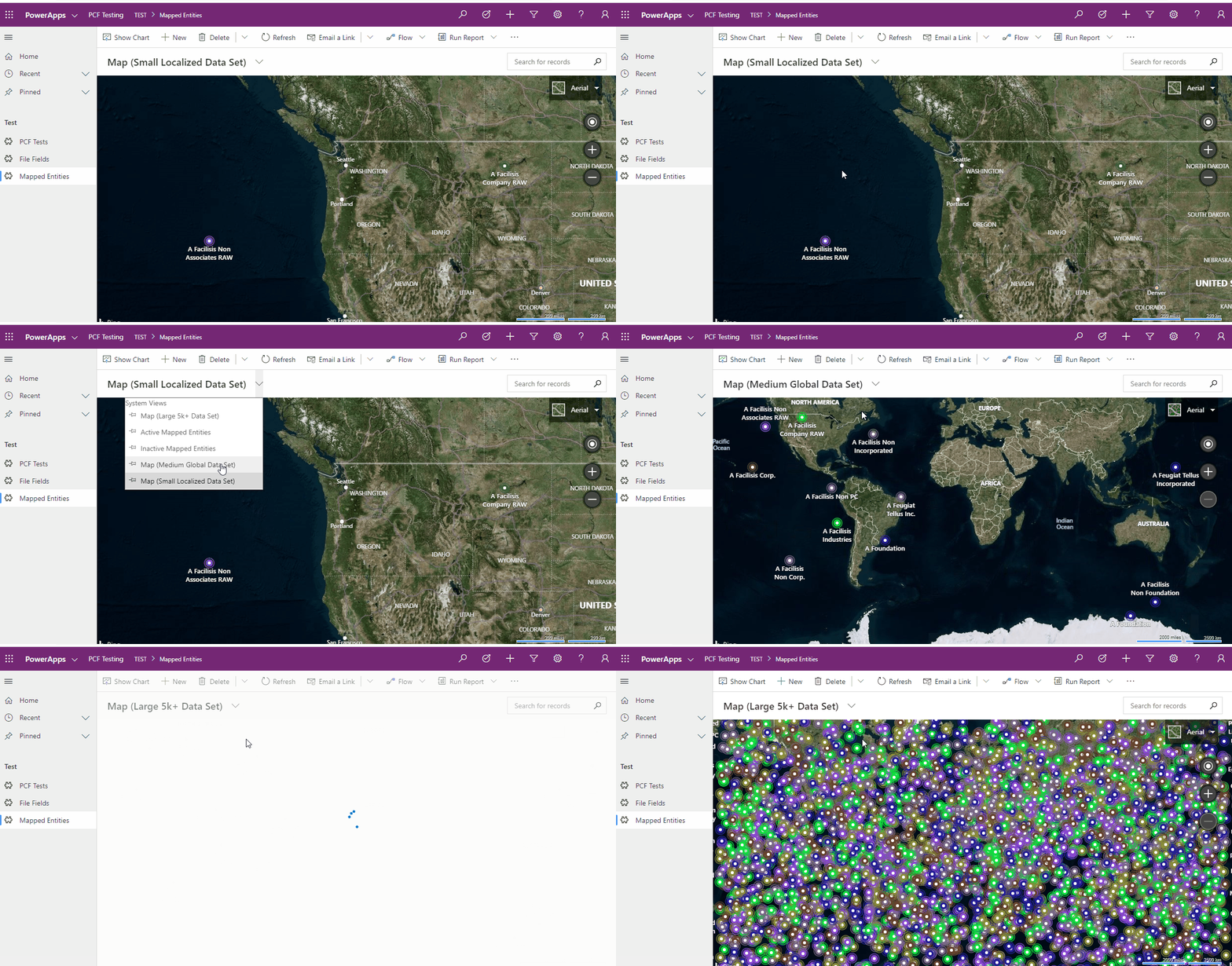
This PCF control allows you to display information for a view that contains latitude and longitude information within Bing Maps.
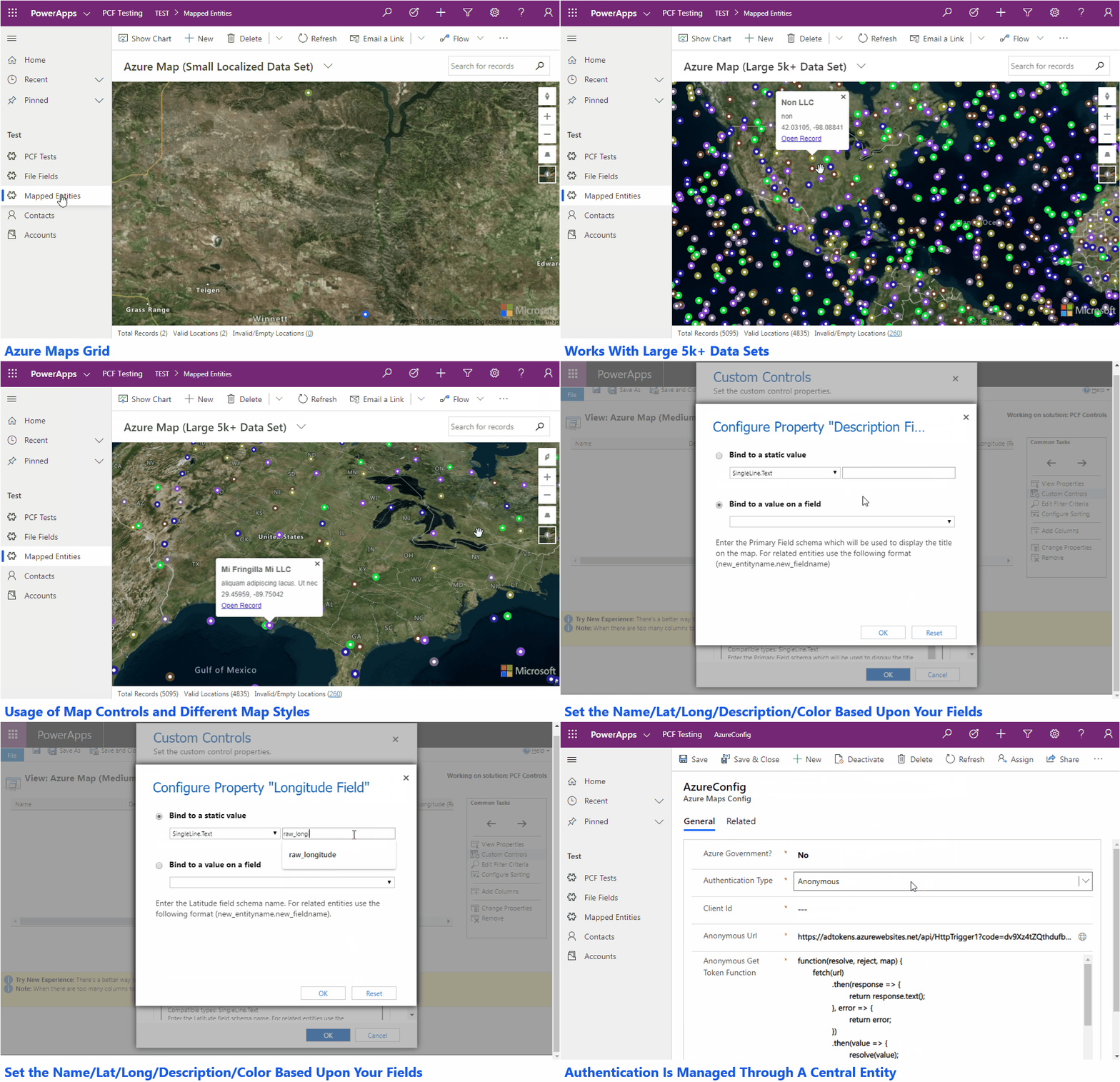
This PCF control allows you to display information for a view that contains latitude and longitude information within Azure Maps.
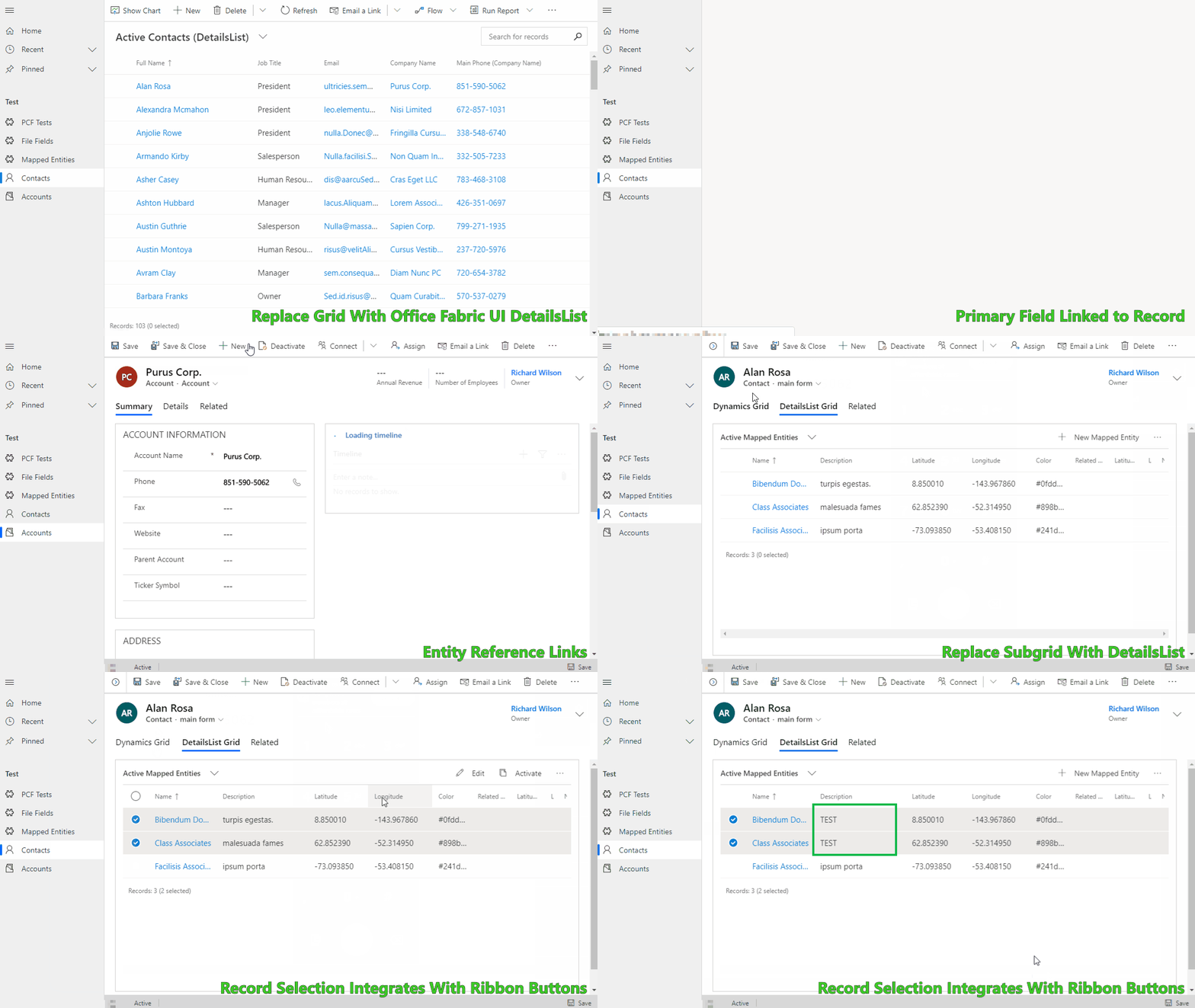
Allows you to simulate the out of the box Grid and Subgrid controls using the Office-UI-Fabric DetailsList control. It was built to provide a springboard when you need a customizable grid experience.
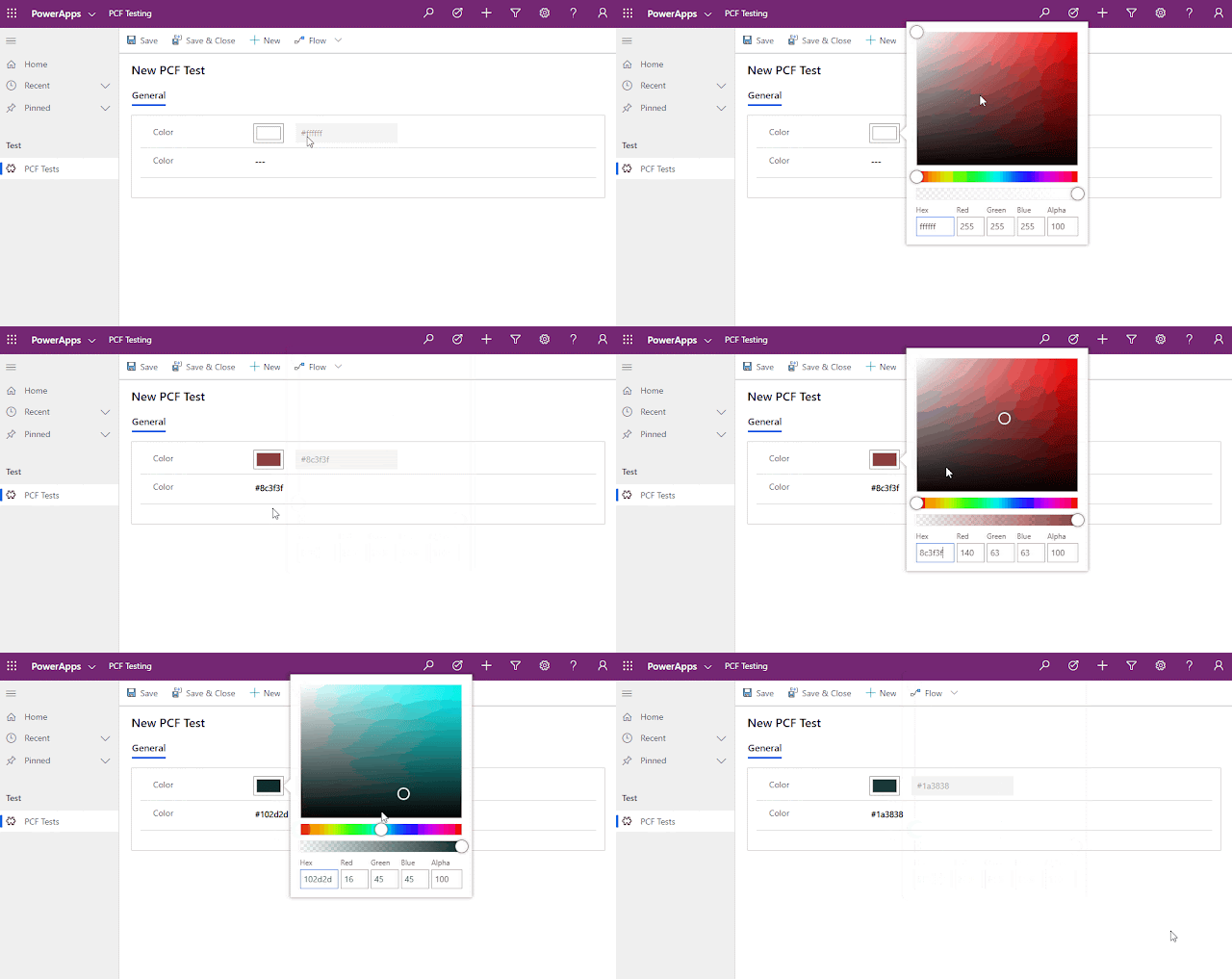
For anyone looking for a PCF Color Picker I just released one out on GitHub! It utilizes React and the Office UI Fabric controls.
Below are resources that you can utilize within your Dynamics project for generating icons.