Power Apps
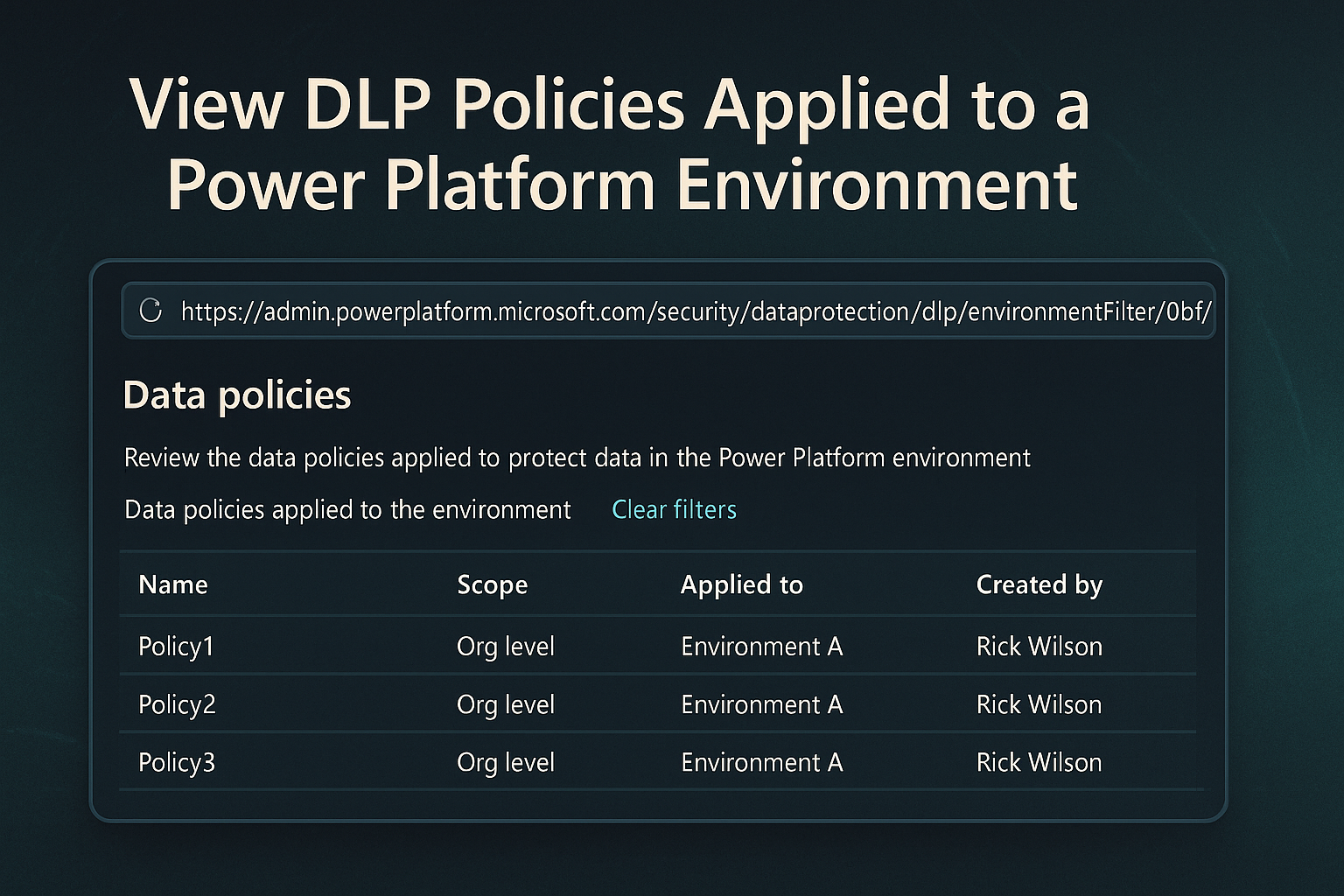
How to View DLP Policies Applied to a Power Platform Environment
To quickly see which Data Loss Prevention (DLP) policies are applied to a specific Power Platform environment, you can use a direct URL. This article shows you how to:
tag
To quickly see which Data Loss Prevention (DLP) policies are applied to a specific Power Platform environment, you can use a direct URL. This article shows you how to:
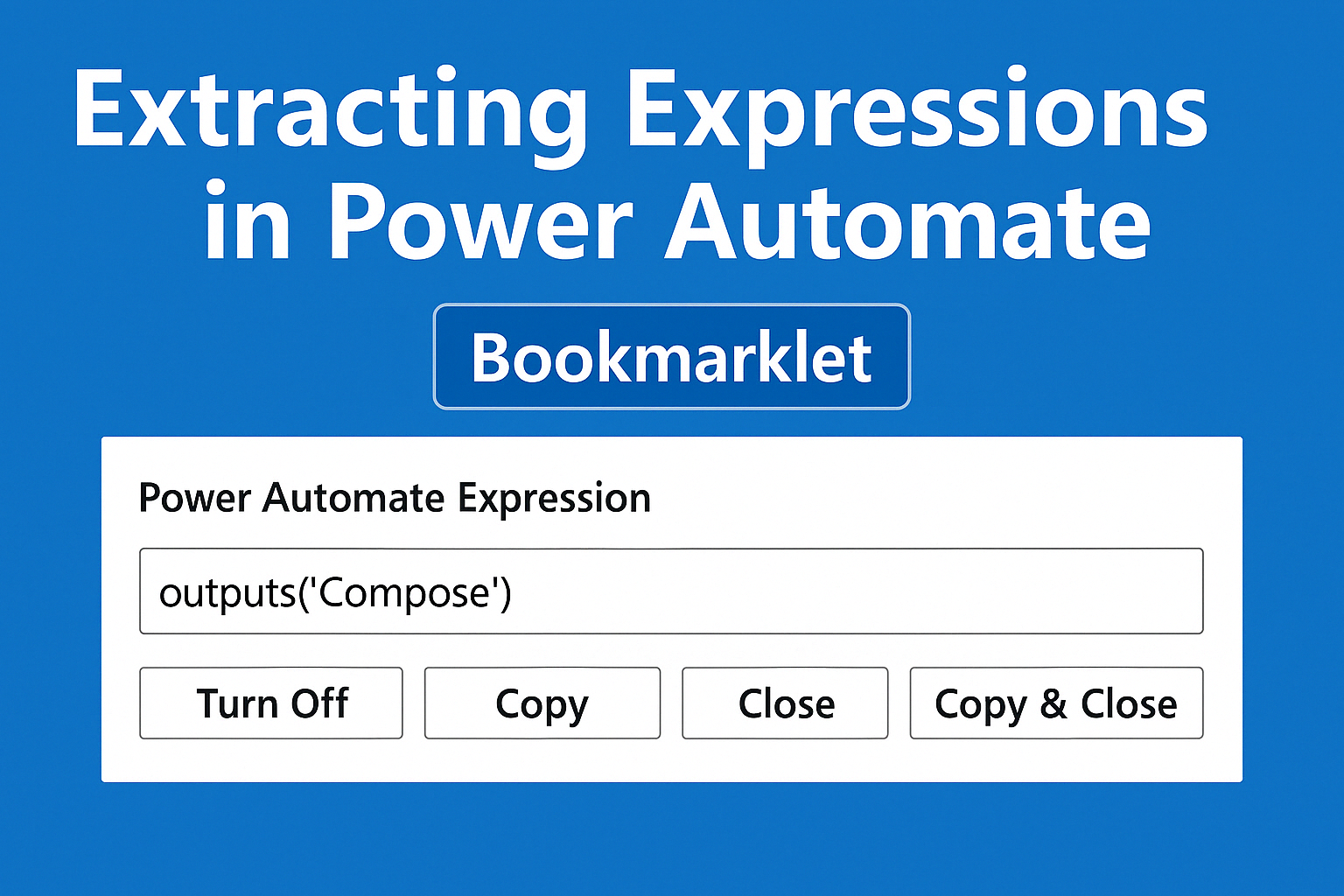
While recently walking a colleague through Power Automate, I was reminded of one of my long-standing frustrations: how difficult it is to copy expressions once they’ve been inserted into actions like…
When managing Azure Storage Accounts, it’s essential to control access by restricting allowed IP addresses.
Today’s digital landscape offers unprecedented opportunities to leverage technology in the service of public safety.
When working with the paconn CLI tool to create and manage custom connectors in the Power Platform, it’s essential to configure your environment settings properly, especially when targeting different…
Integrating APIs into Power Automate flows often requires creating custom connectors, a process that can encounter challenges with certain API specifications.
In the evolving world of smart home technology, the integration of lighting solutions with sophisticated automation platforms is gaining significant traction.
In the realms of digital infrastructure management, automation emerges as a pivotal ally, especially when confronting repetitive and time-sensitive tasks.
The article discusses integrating Government APIs with Microsoft Power Platform, emphasizing the creation and certification of custom connectors.
Navigating travel expenses in the public sector can be intricate, especially when it comes to adhering to per diem rates.
Power Automate Desktop is a great way to automate many of your daily task so you can focus on real work.
After watching the RPA (Robotic Process Automation) demo from Steve Winward Real-Life Use case using AI Builder Form Processing with Power Automate Desktop I have been looking for ways to utilize…
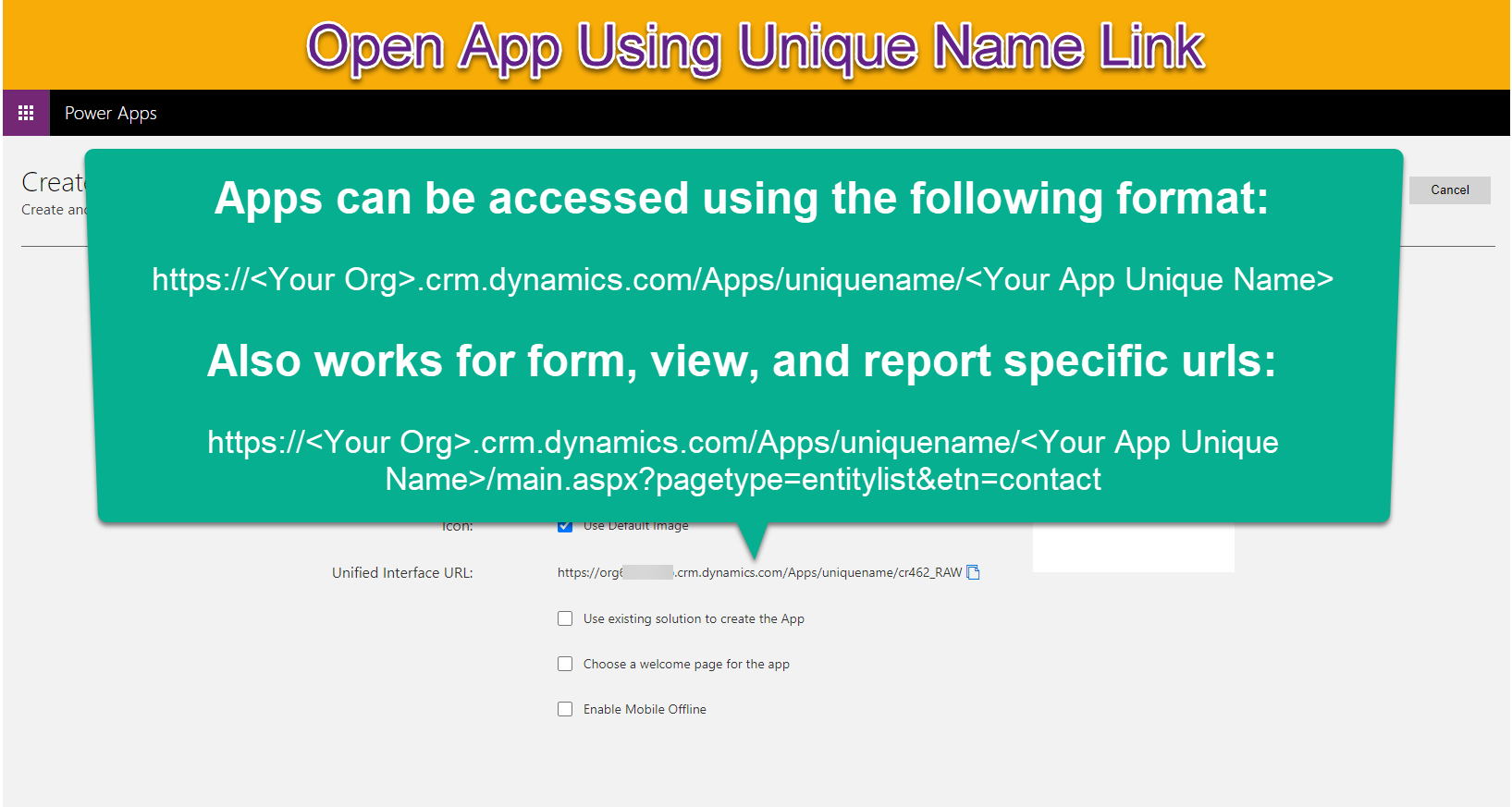
When generating links for records, lists or reports in a Dataverse environment it is important that they open the specific application they relate to so users have the best experience.
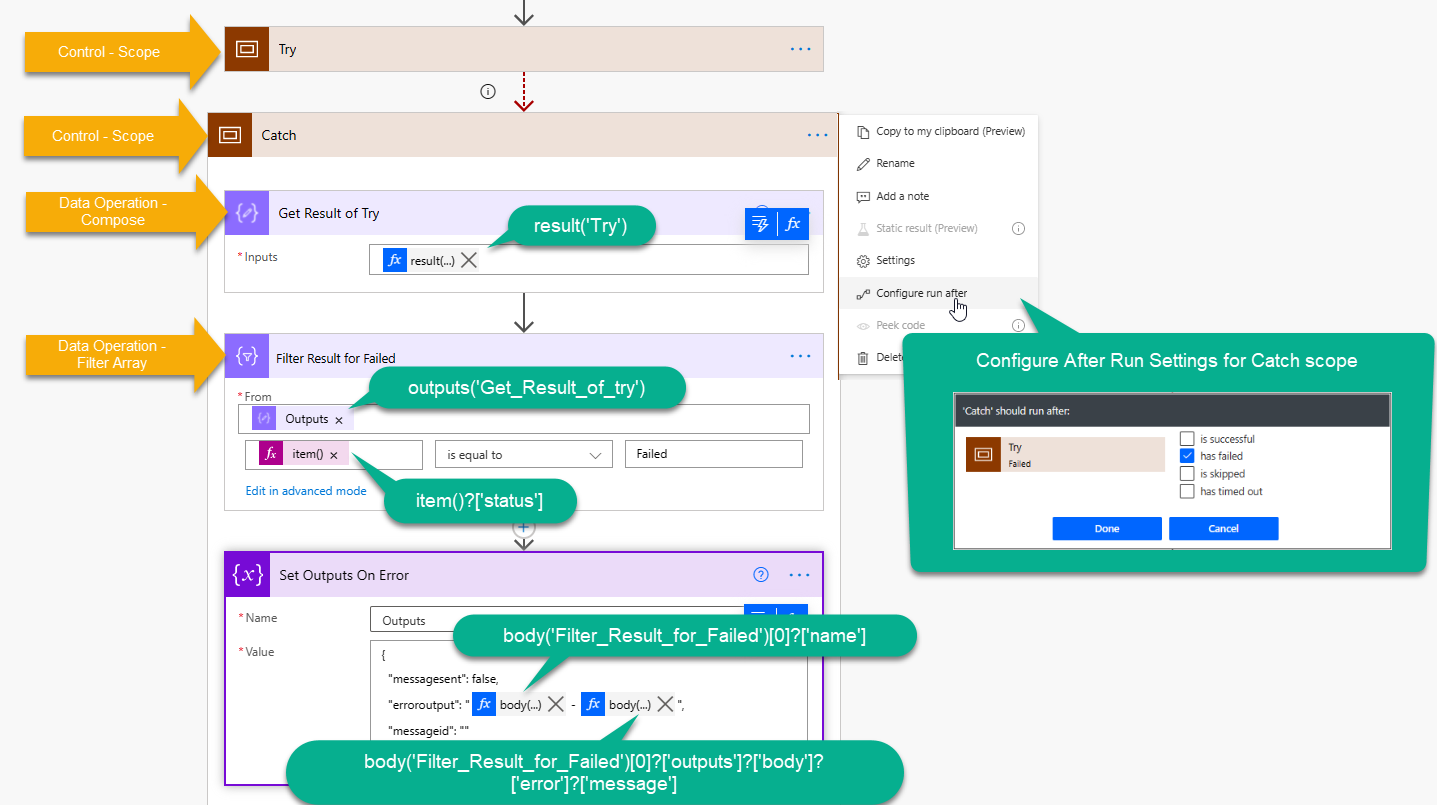
When utilizing scopes within Power Automate to create a try/catch/finally statement it can be useful to provide additional details about any errors that occurred within the try block.
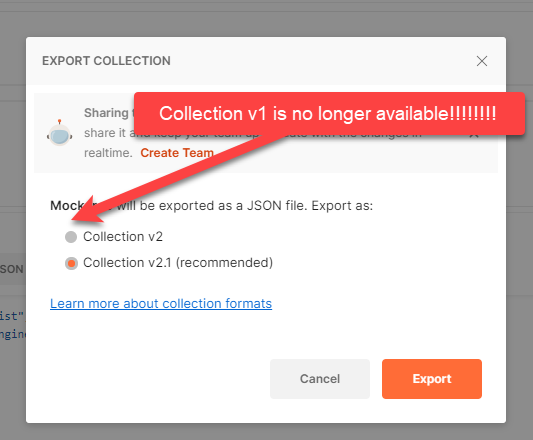
There are many tools you can utilize to develop Power Automate custom connectors including Postman and Swagger Inspector.