Power Apps
Harnessing Host Form Data with PCF Controls in Model-Driven Applications
This tutorial delves into integrating PowerApps Component Framework (PCF) controls with host form data within Microsoft Power Platform’s model-driven apps.
tag
This tutorial delves into integrating PowerApps Component Framework (PCF) controls with host form data within Microsoft Power Platform’s model-driven apps.
First and foremost, I want to take a moment to acknowledge Brandon Pires, who originally crafted the script that inspired all of this work.
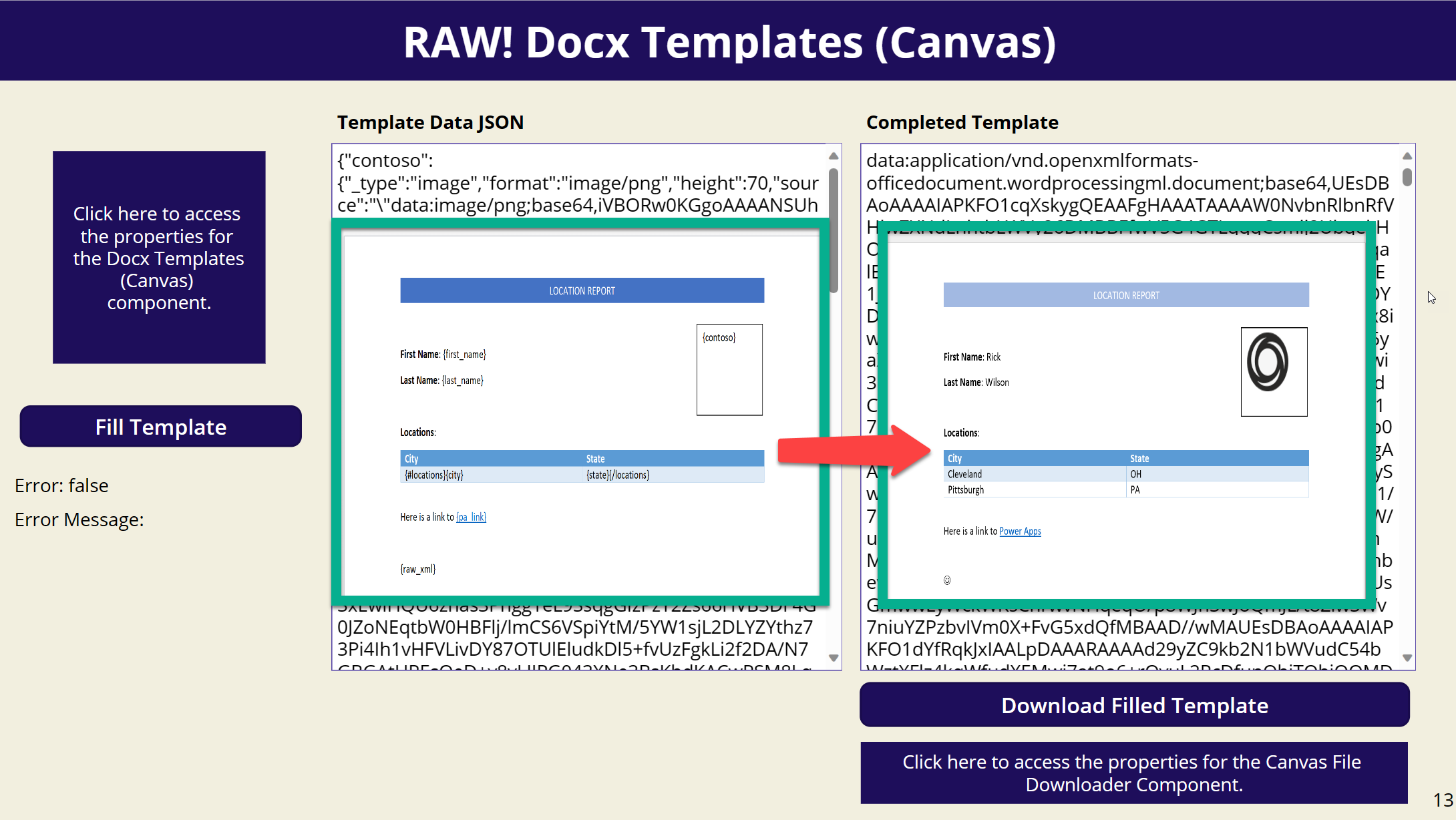
Have you ever wanted to fill in a Docx template within a Canvas App? Look no further! I’m excited to introduce a new PCF component that allows you to do just that.
Connecting to Dataverse using PowerShell can be very helpful for data migrations and use within Azure DevOps. Connecting to an instance in a non-interactive way can be tricky though.
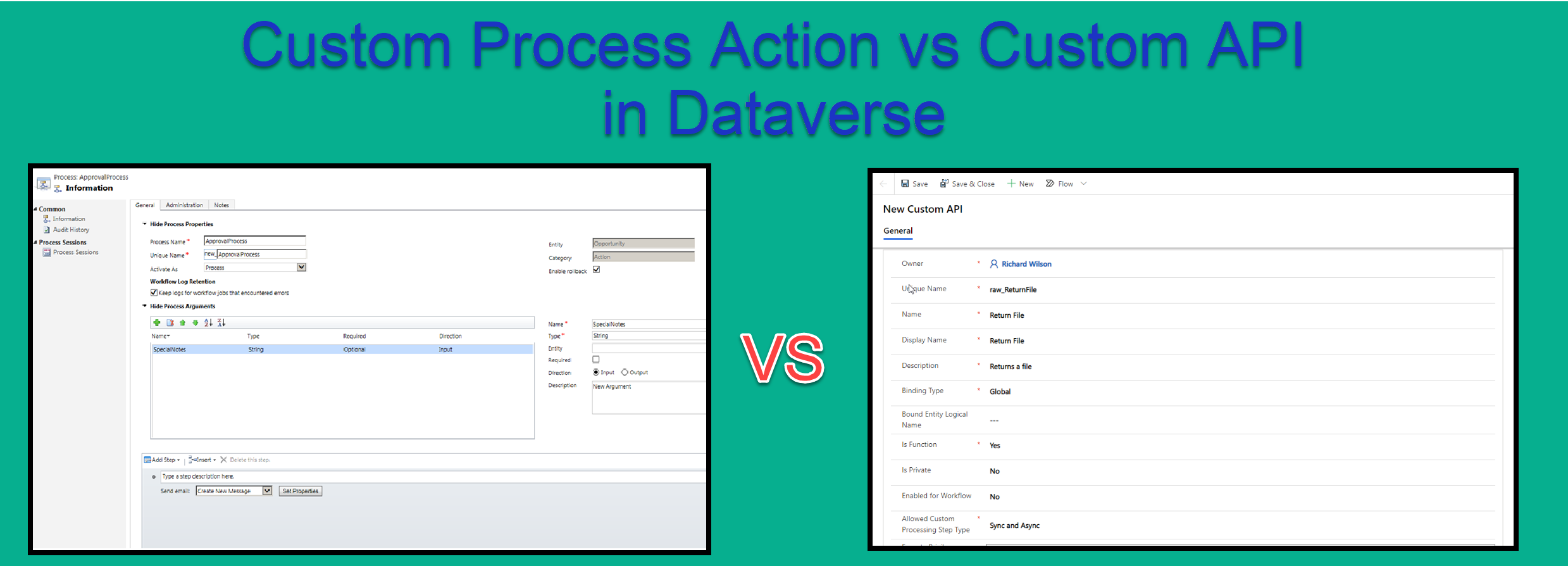
I recently had the opportunity to utilize the new Custom API functionality within Dataverse. I had previously used Custom Process Actions and was a little confused as to the difference and why i…
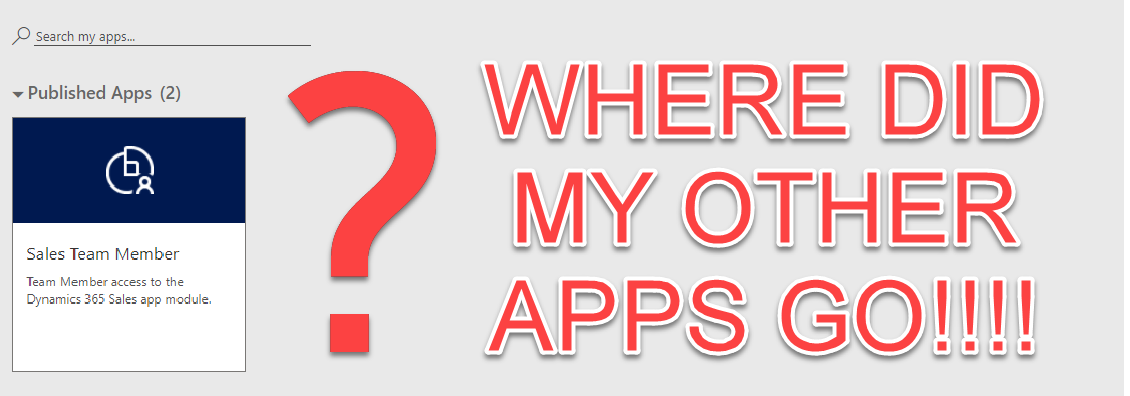
If you have custom applications built on Dynamics/Dataverse within the US Government Community Cloud (GCC) and only have Team user license that were purchased after October 2018 your apps screen may…
For those working in the U.S. Government or DoD/Military space needing the Power Apps mobile application on your phone, an additional step of selecting a region must be taken before you attempt to…
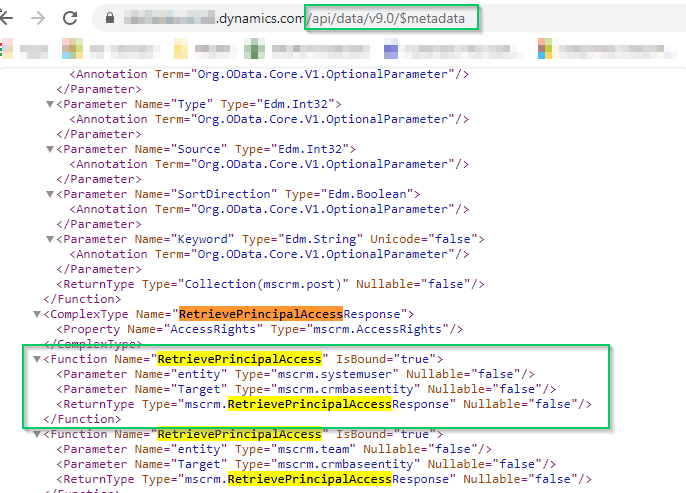
I am current building PCF component that required me to determine if the user has specific rights to an entity before attempting to modify it.
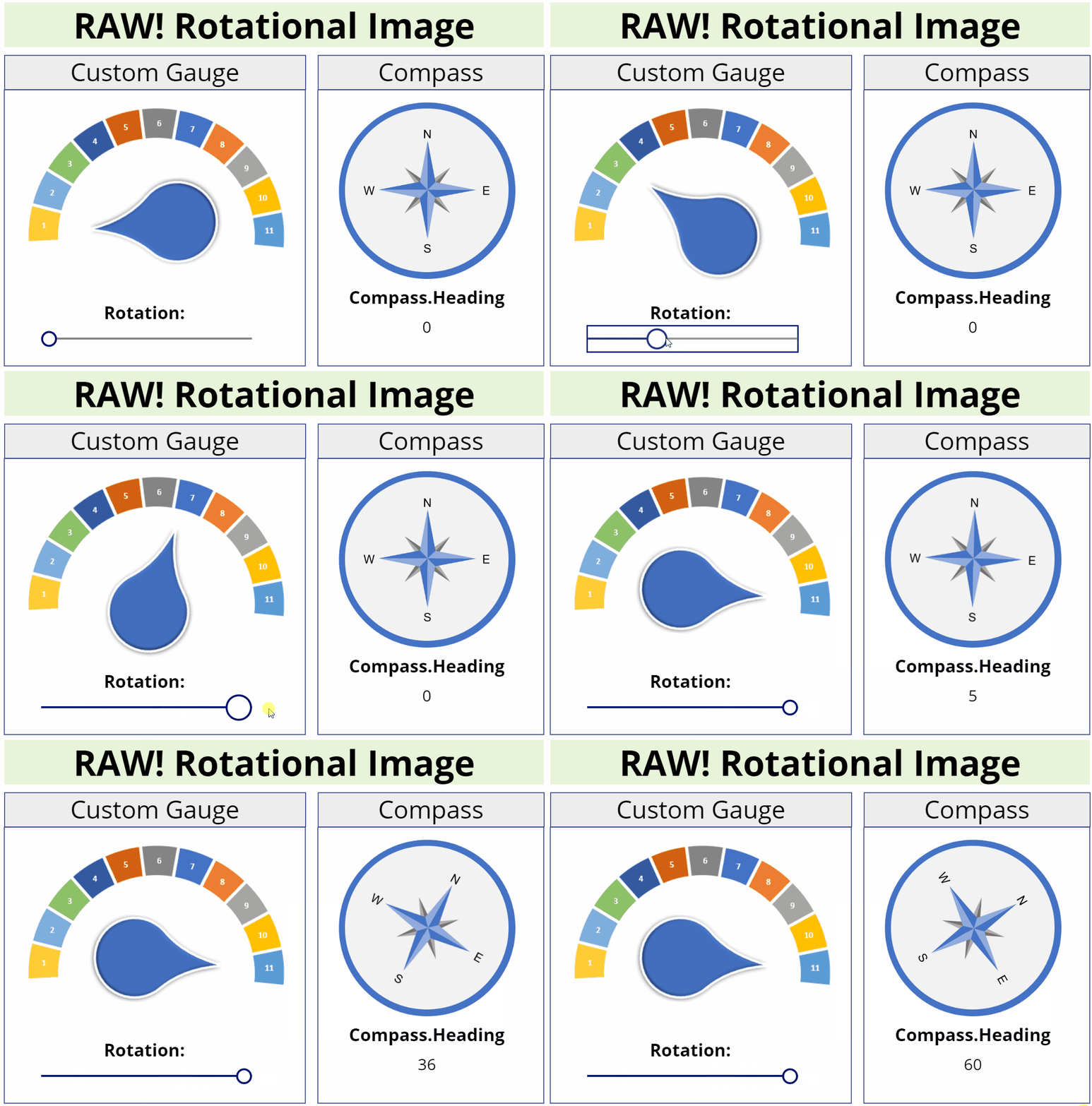
This image component allows you to rotate an image to any degree unlike the Canvas image component which only allows 90, 180, or 270 degrees.
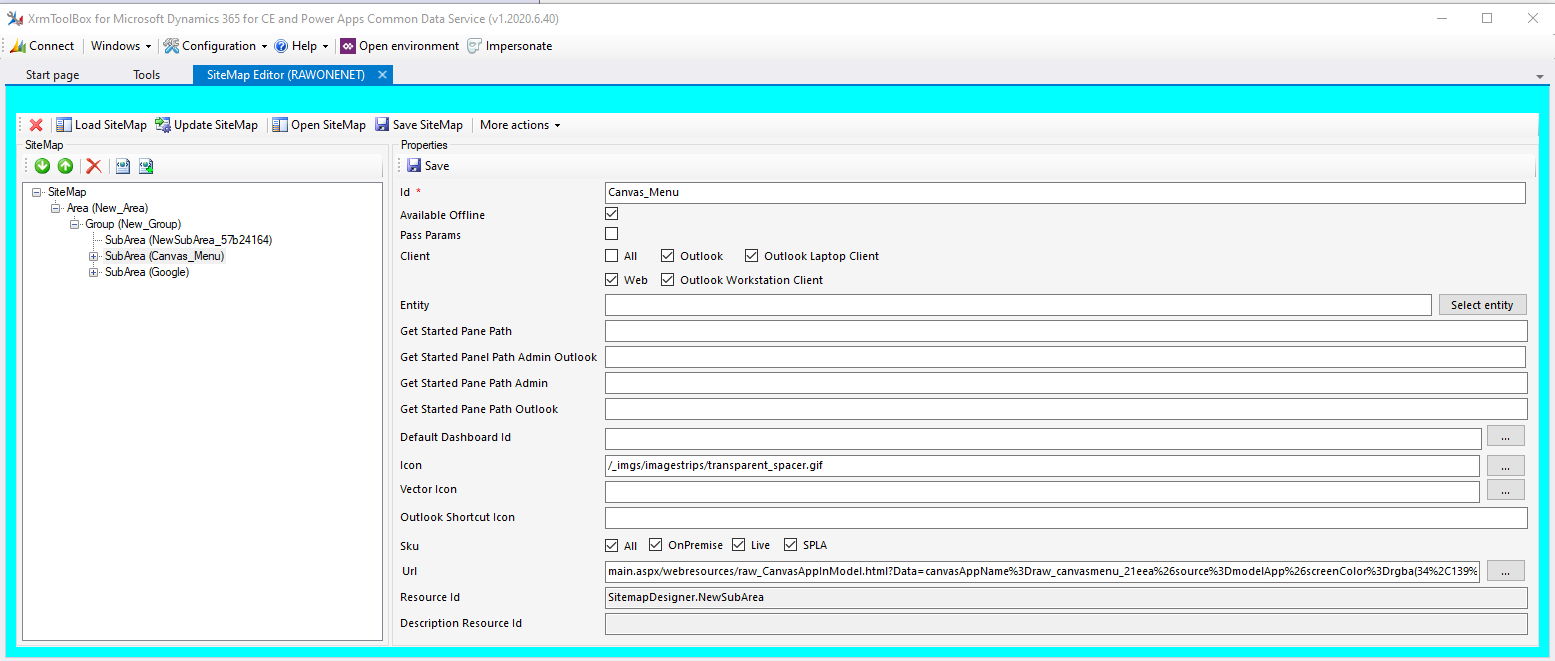
While working on creating a page to open a Canvas app full screen inside of a Model app I wanted to create a WebResource I could use over and over again.
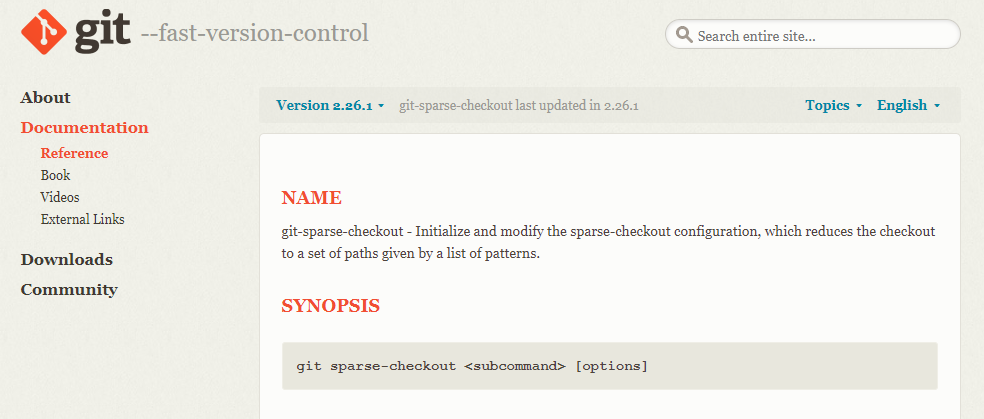
If you would like to make updates to the Xrm types or any others in the DefinitelyTyped project on github you can find that cloning all the types can be a real pain.
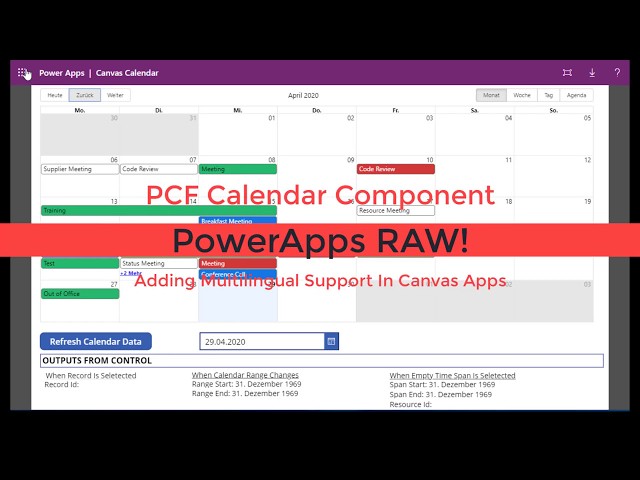
Multilingual support has been added to the Calendar component I recently shared. This works in both Canvas and Model apps.
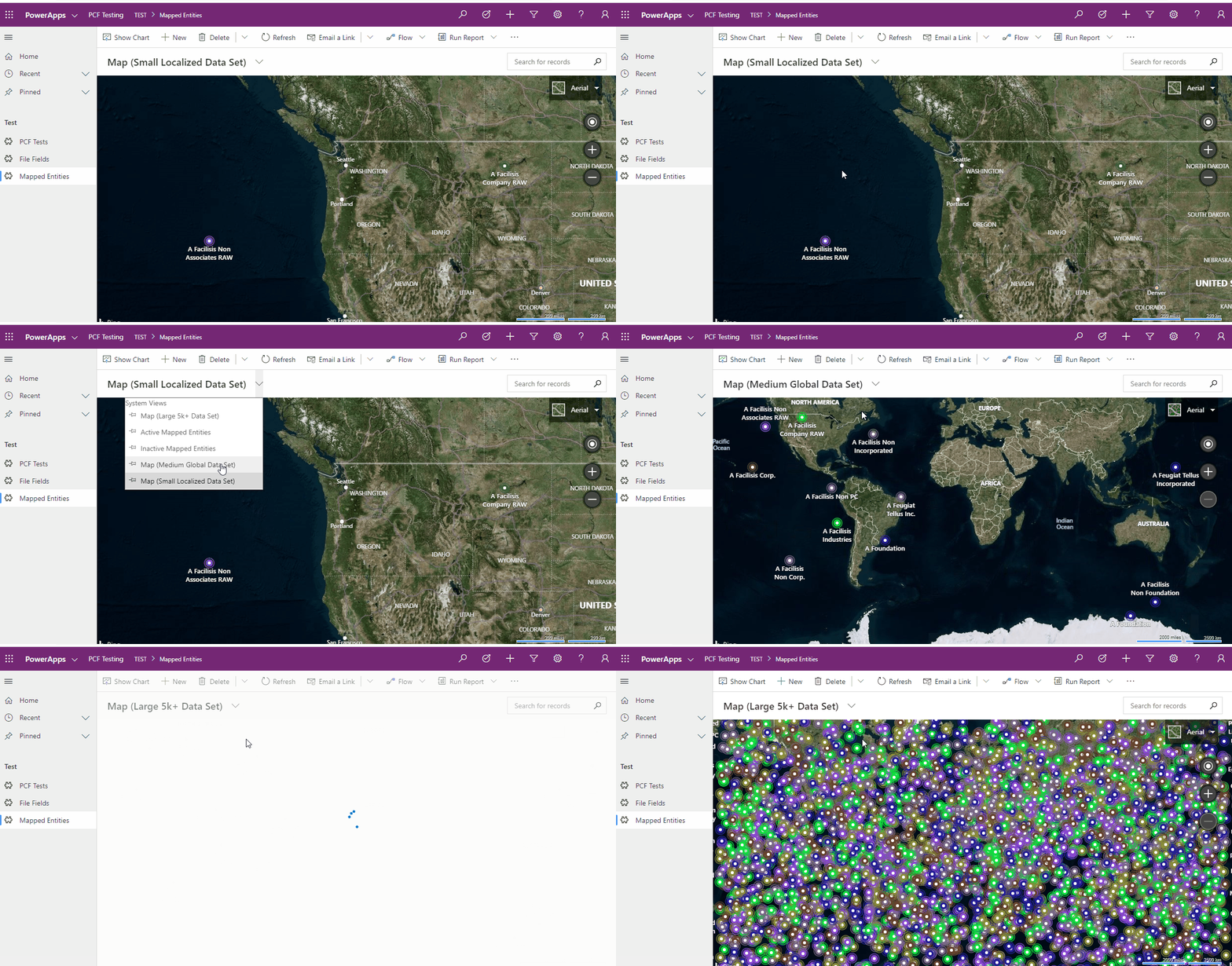
This PCF control allows you to display information for a view that contains latitude and longitude information within Bing Maps.
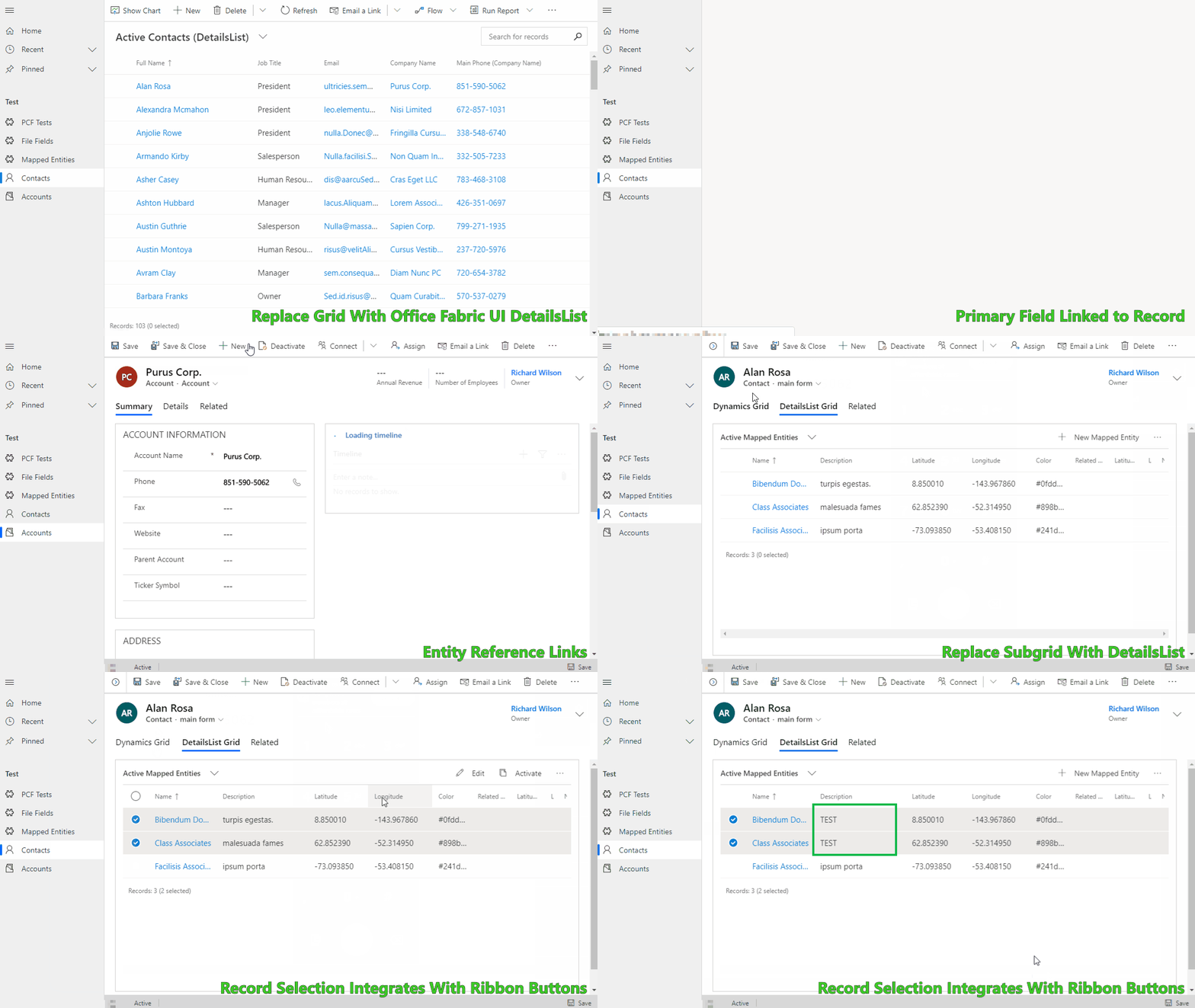
Allows you to simulate the out of the box Grid and Subgrid controls using the Office-UI-Fabric DetailsList control. It was built to provide a springboard when you need a customizable grid experience.
When working in an environment where tools like XrmToolbox are not available or allowed getting a total record count can be a real pain sometimes.
If you need to get the LogicalName or ObjectTypeCode of an entity in your Dynamics environment you can utilize the WebAPI to get the metadata.
If you are utilizing the UCI interface there is a new JavaScript handler available for the Business Process Flows (BPF), onPreStageChange.
Below are resources that you can utilize within your Dynamics project for generating icons.
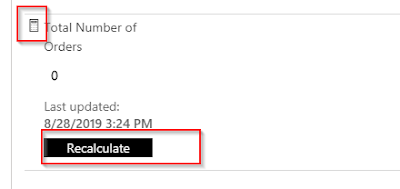
In the web client version of Dynamics when you hovered over a rollup field it would show a refresh icon to the right of the field.
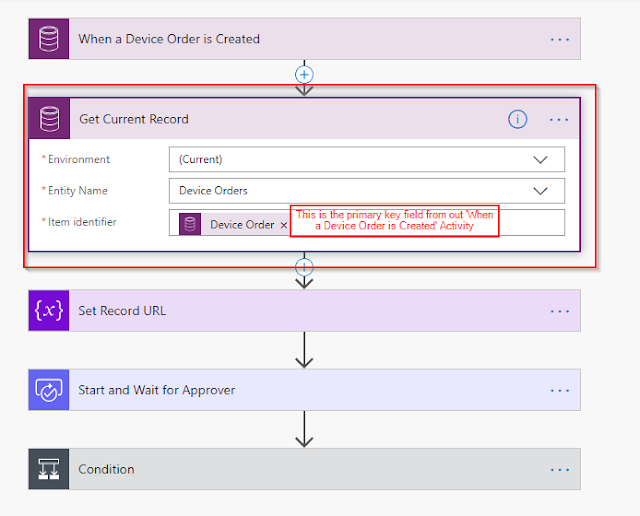
When sending emails or approvals in flow it can be helpful to also include a link to the record which is being referenced.
I recently saw the article on how to validate solutions using the PowerApps Solution Checker and wanted to share the link.
Recently while building a system which synchronized Dynamics permissions to SharePoint we came upon an error which caused the SharePoint Document grid to tell us that we did not have the correct…
After setting up Server based authentication between SharePoint and Dynamics on several instances we were having issues on certain instances where users would attempt to access the Document grid…
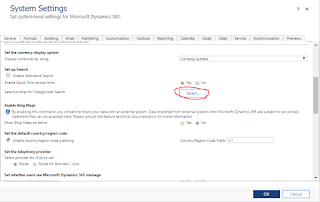
While coming up with deployment scripts i was tasked to ensure that the Dynamics Global Search had specific entities selected.
This will allow you to navigate to the Documents Associated Grid view form a button in the main records ribbon. This currently works for Dynamics 9.0 and 9.1 Online.
Recently I was looking for a way to add the SharePoint Documents Associated grid as an IFrame on a Dynamics form. Jason Lattimer's blog had the answer:
Microsoft is no longer providing the entire SDK and samples as a download. Instead they are hosting the samples on a their website and providing the sdk and tools on nuget.