Power Apps
How to View DLP Policies Applied to a Power Platform Environment
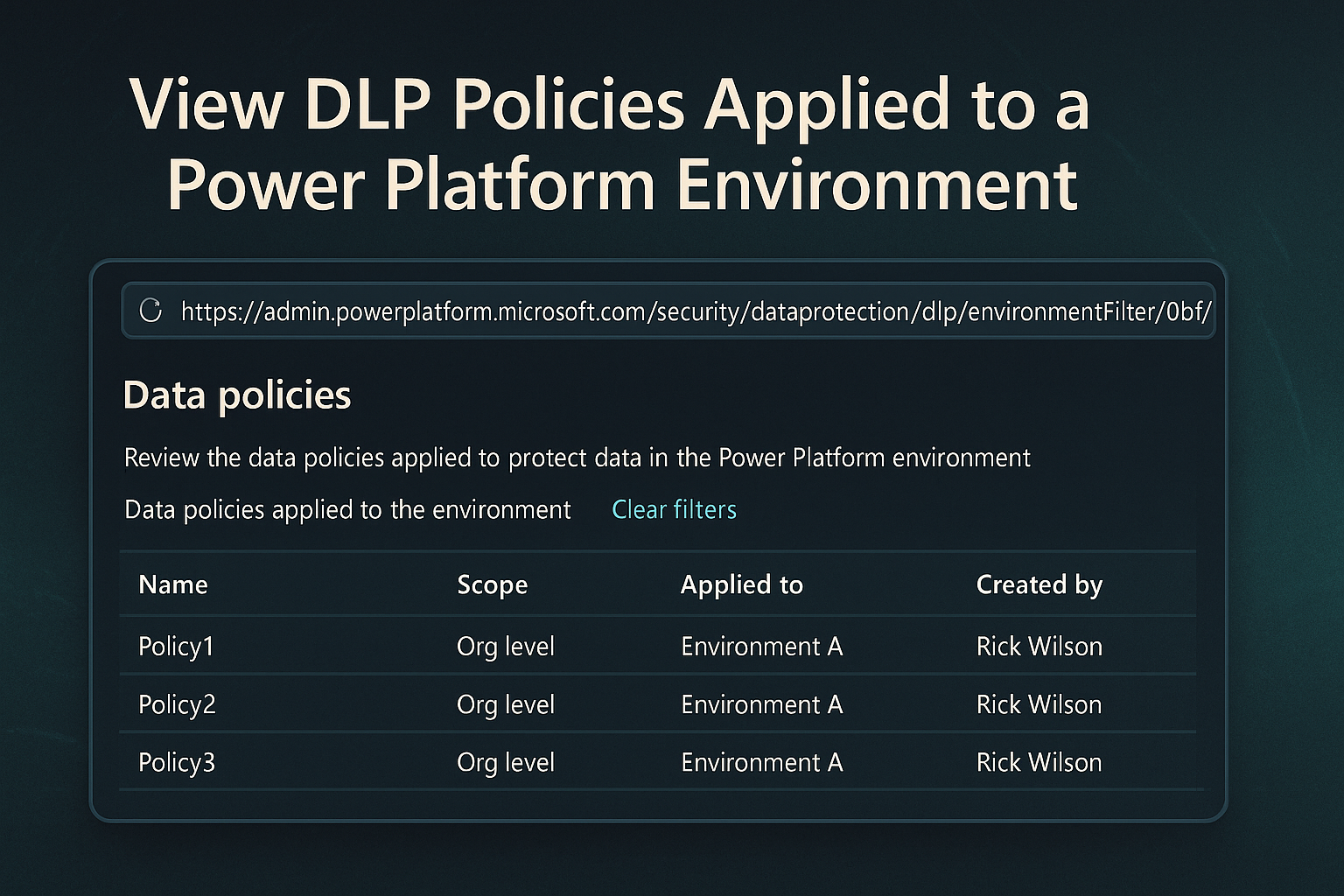
To quickly see which Data Loss Prevention (DLP) policies are applied to a specific Power Platform environment, you can use a direct URL. This article shows you how to:
tag
To quickly see which Data Loss Prevention (DLP) policies are applied to a specific Power Platform environment, you can use a direct URL. This article shows you how to:
This tutorial delves into integrating PowerApps Component Framework (PCF) controls with host form data within Microsoft Power Platform’s model-driven apps.
Model-driven apps in Power Apps allow users to create dashboards that display key data from different entities. By default, dashboards do not provide an easy way to display Notes (Annotations).
When a user opens a Power App for the first time, they are often presented with a consent form asking for permission to access data sources or APIs used by the app.
In the evolving world of smart home technology, the integration of lighting solutions with sophisticated automation platforms is gaining significant traction.
In the realms of digital infrastructure management, automation emerges as a pivotal ally, especially when confronting repetitive and time-sensitive tasks.
Navigating the complexities of dataflows in Microsoft’s Power Platform, especially when dealing with Dataverse, can present unique challenges.
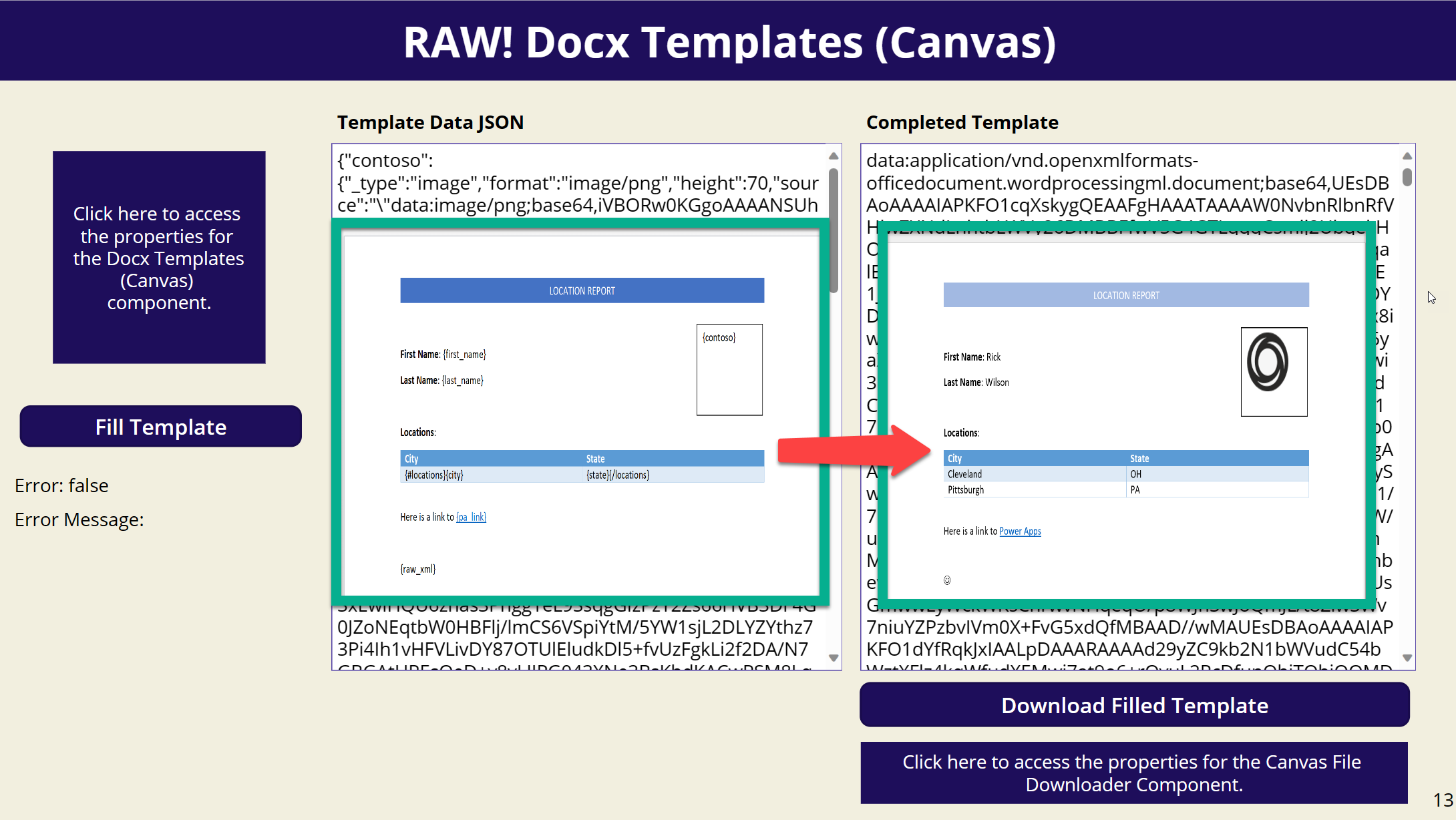
Have you ever wanted to fill in a Docx template within a Canvas App? Look no further! I’m excited to introduce a new PCF component that allows you to do just that.
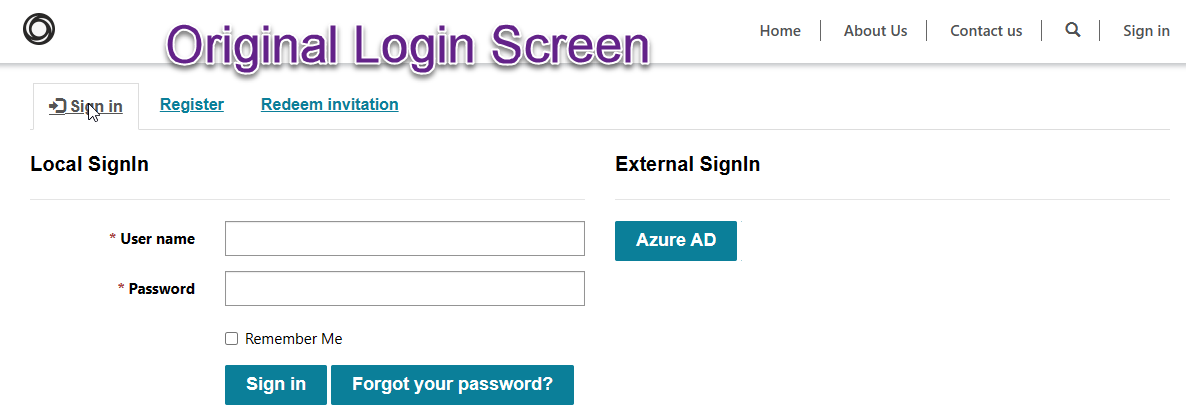
It is recommended that you no longer use Local Login authentication for Power Apps Portal but instead utilize Azure Active Directory B2C to provide this type of authentication.
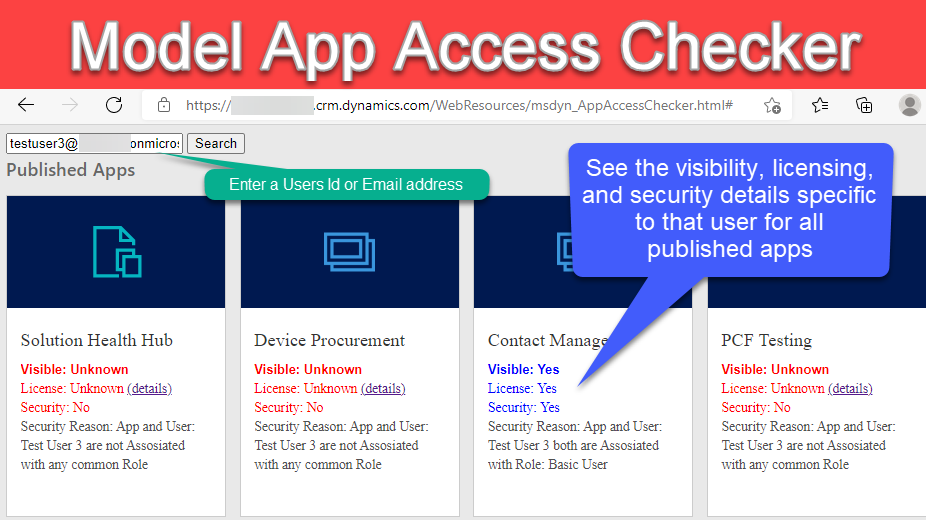
Want to know which model applications your users have access to in Dataverse? Check out the app access checker that is available within the Power Platform admin center.
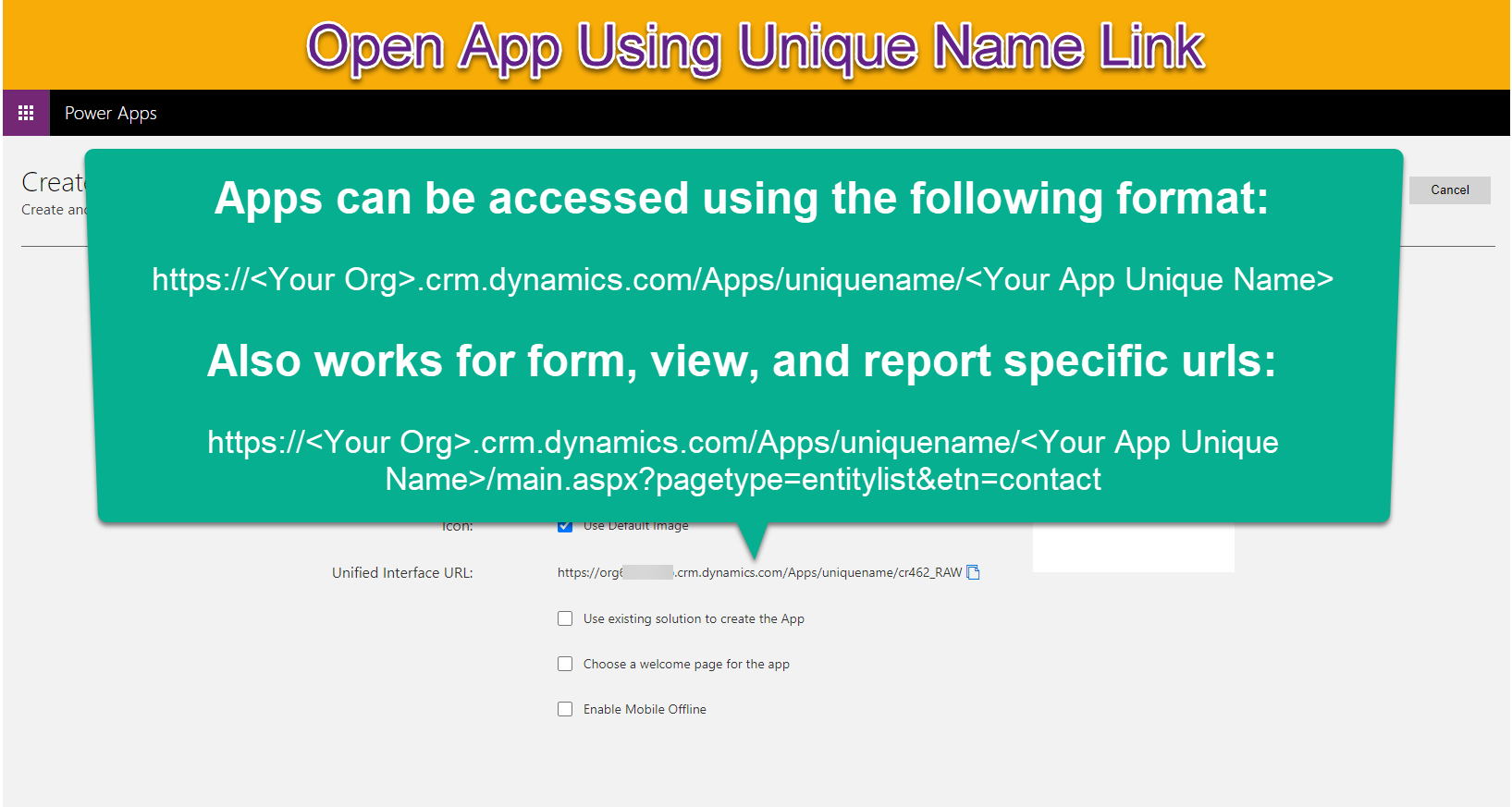
When generating links for records, lists or reports in a Dataverse environment it is important that they open the specific application they relate to so users have the best experience.
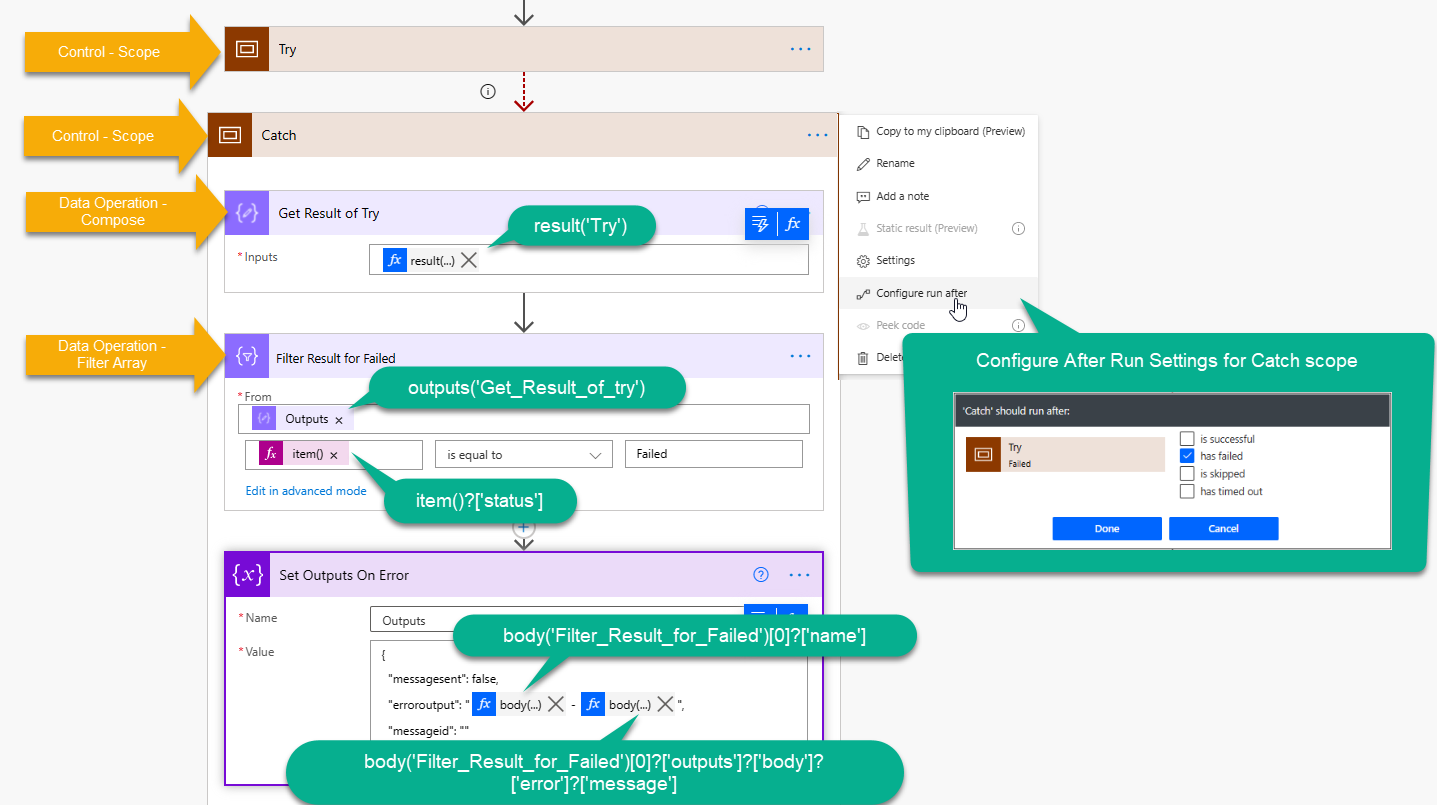
When utilizing scopes within Power Automate to create a try/catch/finally statement it can be useful to provide additional details about any errors that occurred within the try block.
Connecting to Dataverse using PowerShell can be very helpful for data migrations and use within Azure DevOps. Connecting to an instance in a non-interactive way can be tricky though.
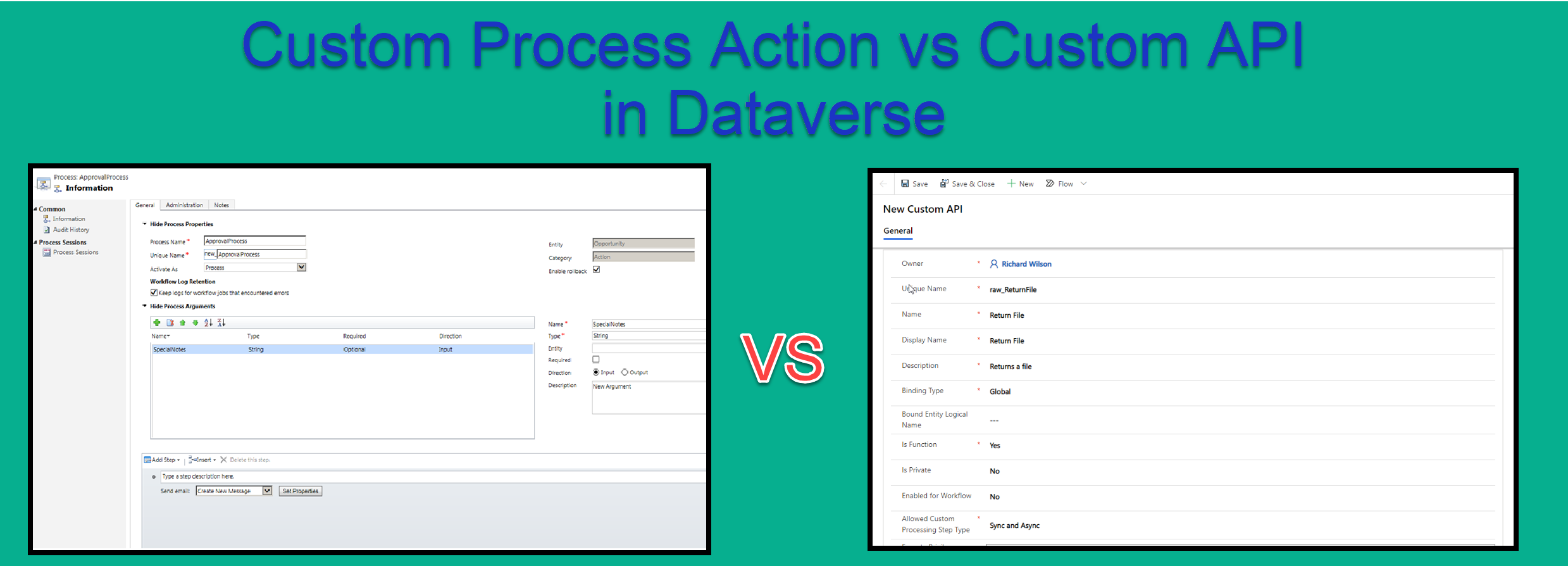
I recently had the opportunity to utilize the new Custom API functionality within Dataverse. I had previously used Custom Process Actions and was a little confused as to the difference and why i…
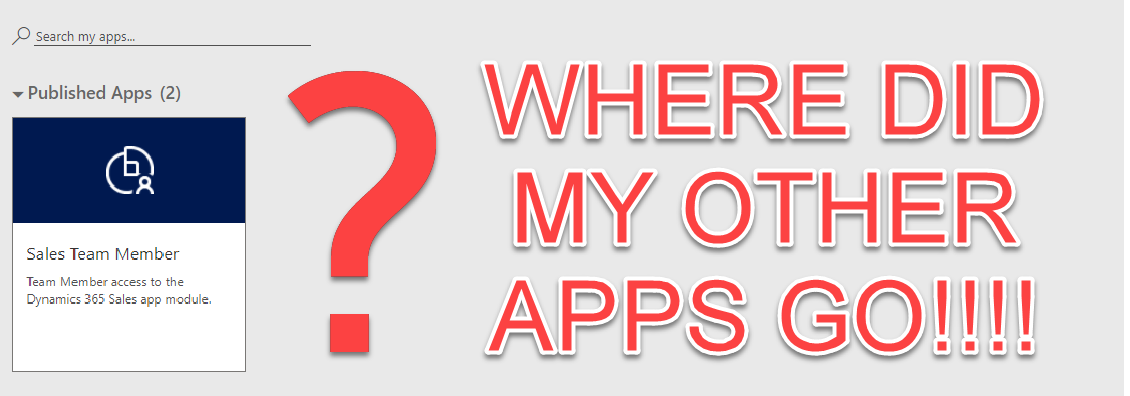
If you have custom applications built on Dynamics/Dataverse within the US Government Community Cloud (GCC) and only have Team user license that were purchased after October 2018 your apps screen may…
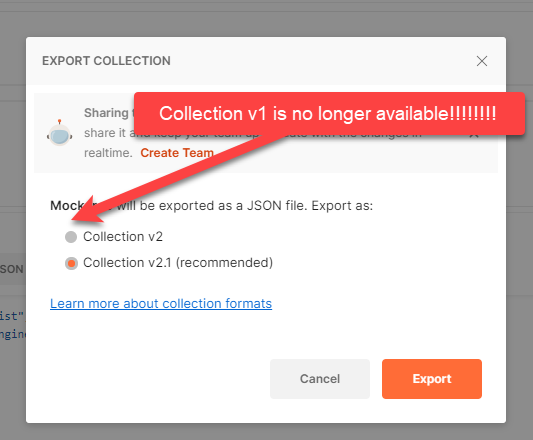
There are many tools you can utilize to develop Power Automate custom connectors including Postman and Swagger Inspector.
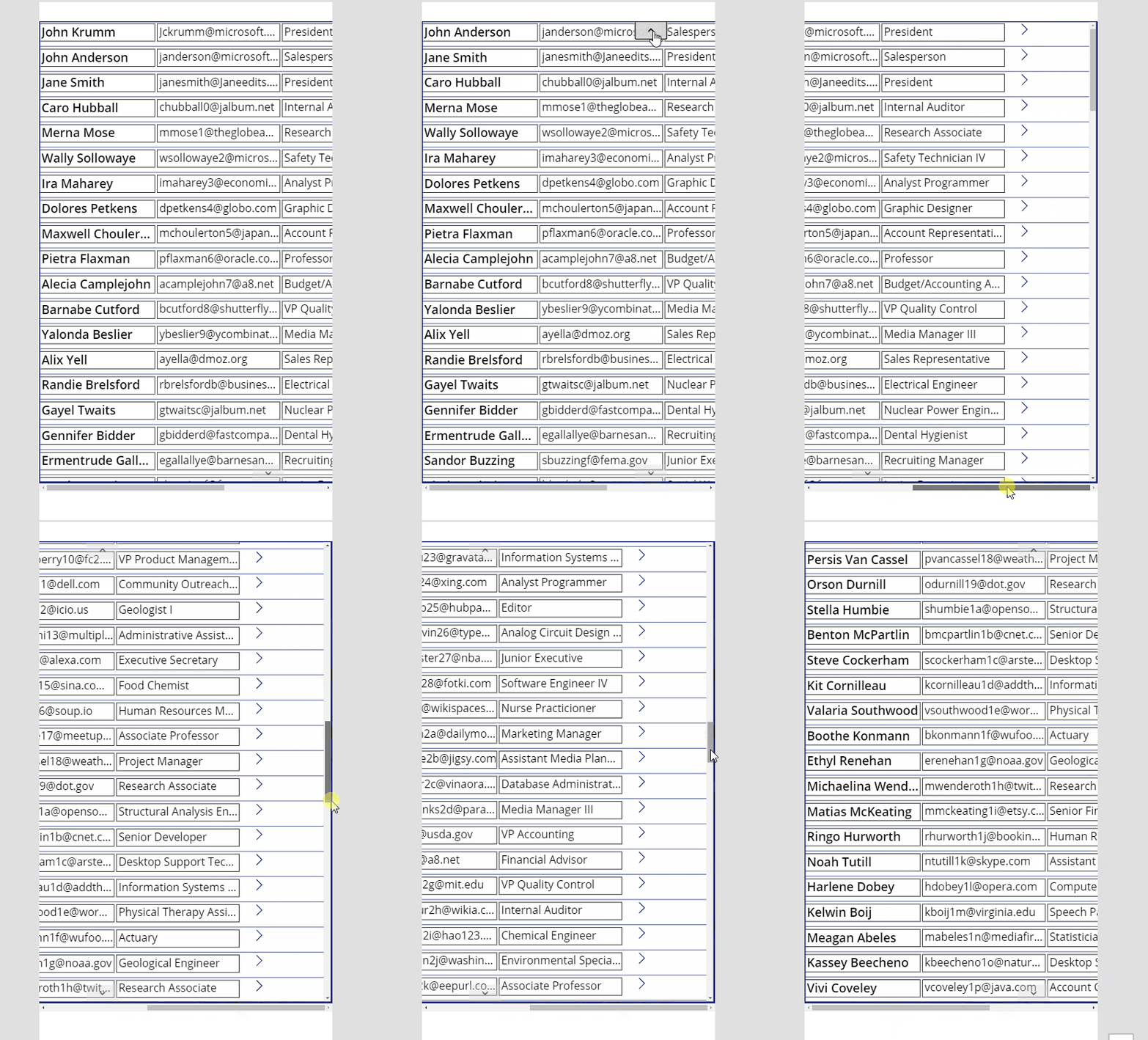
So you have a lot of data to display but the screen in Power Apps isn’t large enough. My friend Ronald Sease recently showed me how to create a gallery in Power Apps that you can scroll horizontally.
For those working in the U.S. Government or DoD/Military space needing the Power Apps mobile application on your phone, an additional step of selecting a region must be taken before you attempt to…
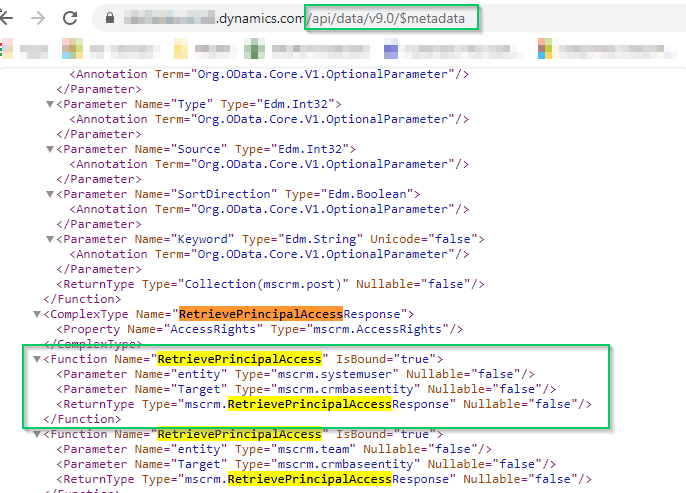
I am current building PCF component that required me to determine if the user has specific rights to an entity before attempting to modify it.
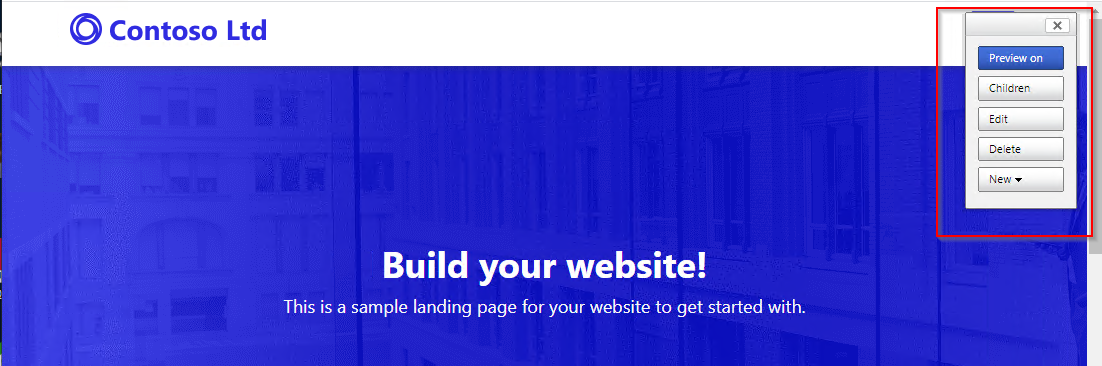
Anyone who has configured the PowerApps/Adx Portal before can tell you how complicated the security mechanisms can be to configure. It’s both easy to give users to much permission or not enough.
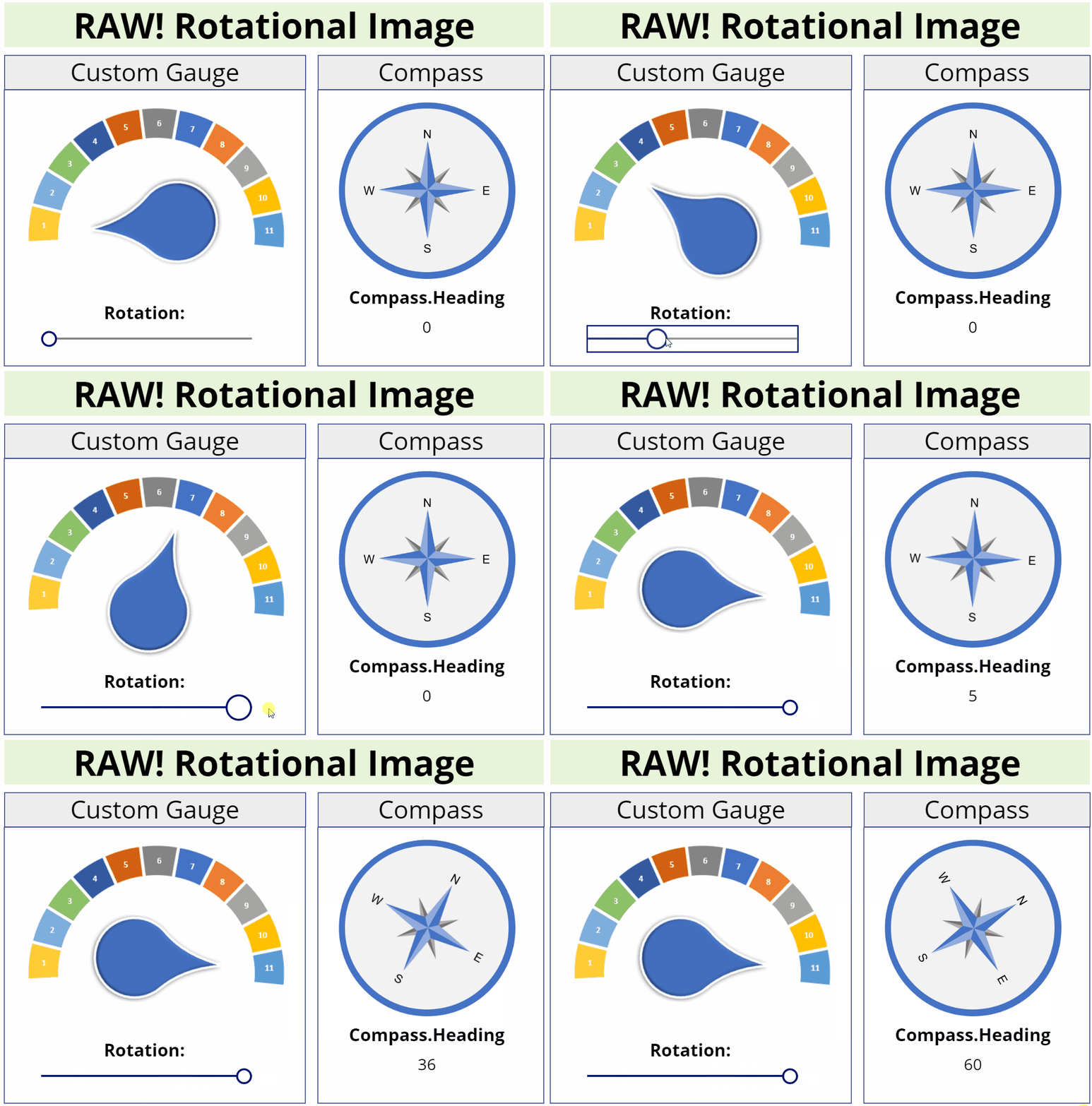
This image component allows you to rotate an image to any degree unlike the Canvas image component which only allows 90, 180, or 270 degrees.
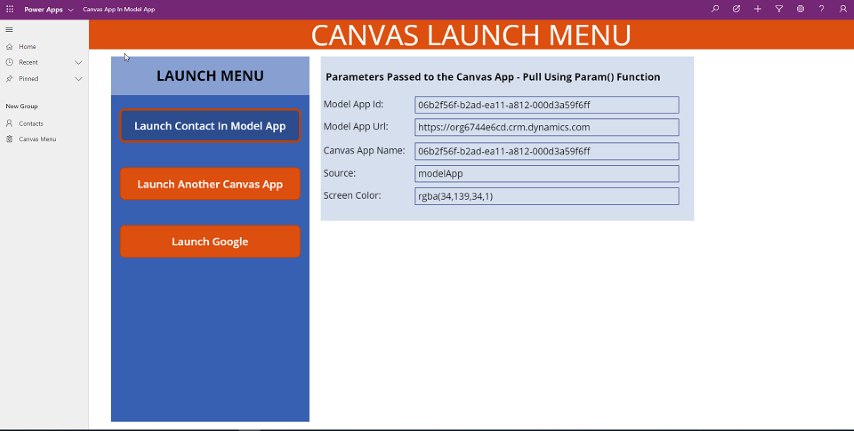
Canvas PowerApps provide a great amount of functionality with little or no code. Many examples demonstrate how to open a Canvas App within a Model App on a specific record and pass the context of…
The usage of Xrm.Page is currently deprecated, still available due to it’s high usage, but still deprecated. When will it go away, we don’t really know yet.
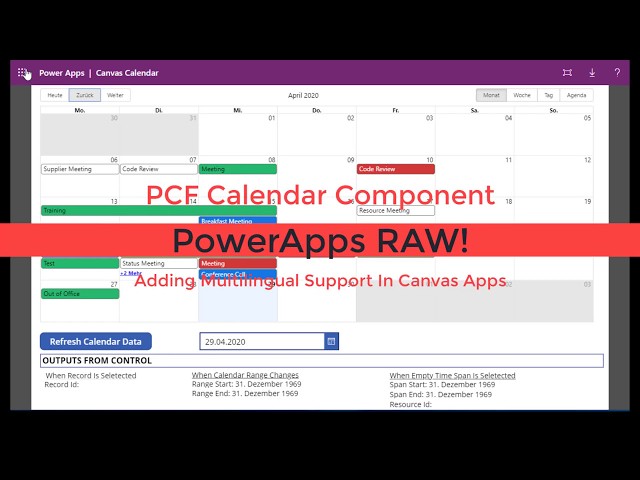
Multilingual support has been added to the Calendar component I recently shared. This works in both Canvas and Model apps.
PCF Code Components allow developers to create their own custom interfaces utilizing Typescript and/or React. To learn more about the PCF Component Framework check out this article.
This calendar control was built off of React Big Calendar. The calendar can be used to display events with or without related resources.
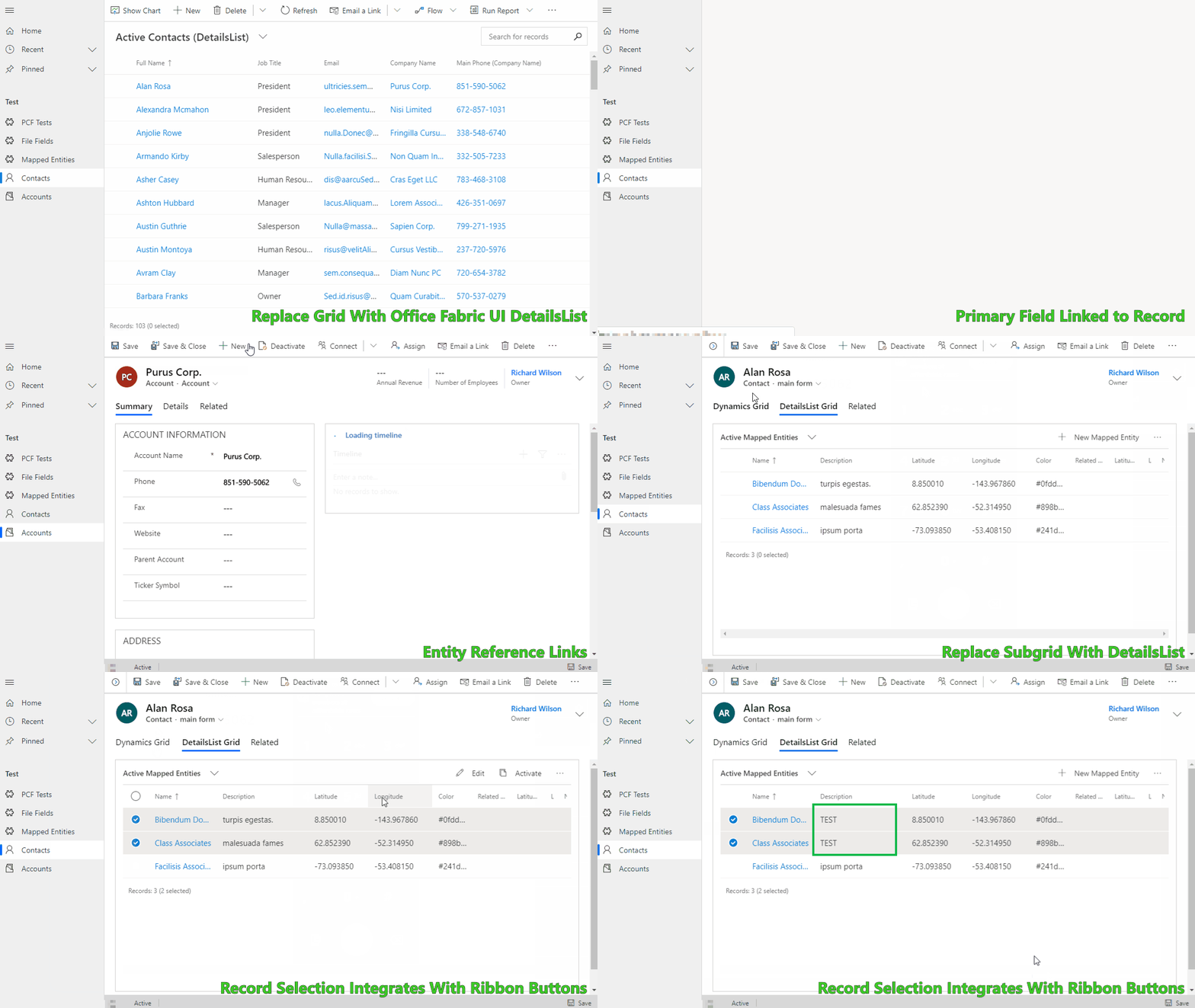
Allows you to simulate the out of the box Grid and Subgrid controls using the Office-UI-Fabric DetailsList control. It was built to provide a springboard when you need a customizable grid experience.
If you are utilizing the UCI interface there is a new JavaScript handler available for the Business Process Flows (BPF), onPreStageChange.
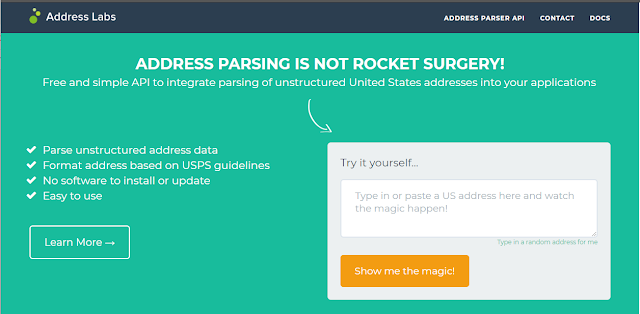
While working on a demo of the Business Cards Scanner component for PowerApps I found that the component only returns the address as a single line and not as parsed address components (UPDATE: The…
When building canvas apps the naming conventions used by the objects can be very confusing once you have added a few screens.
I recently saw the article on how to validate solutions using the PowerApps Solution Checker and wanted to share the link.